
AI website builder
A website shaped around your business.
Describe your offer or start from a template. Give visitors a clear reason to stay, a useful next step and a page that works on their phone.
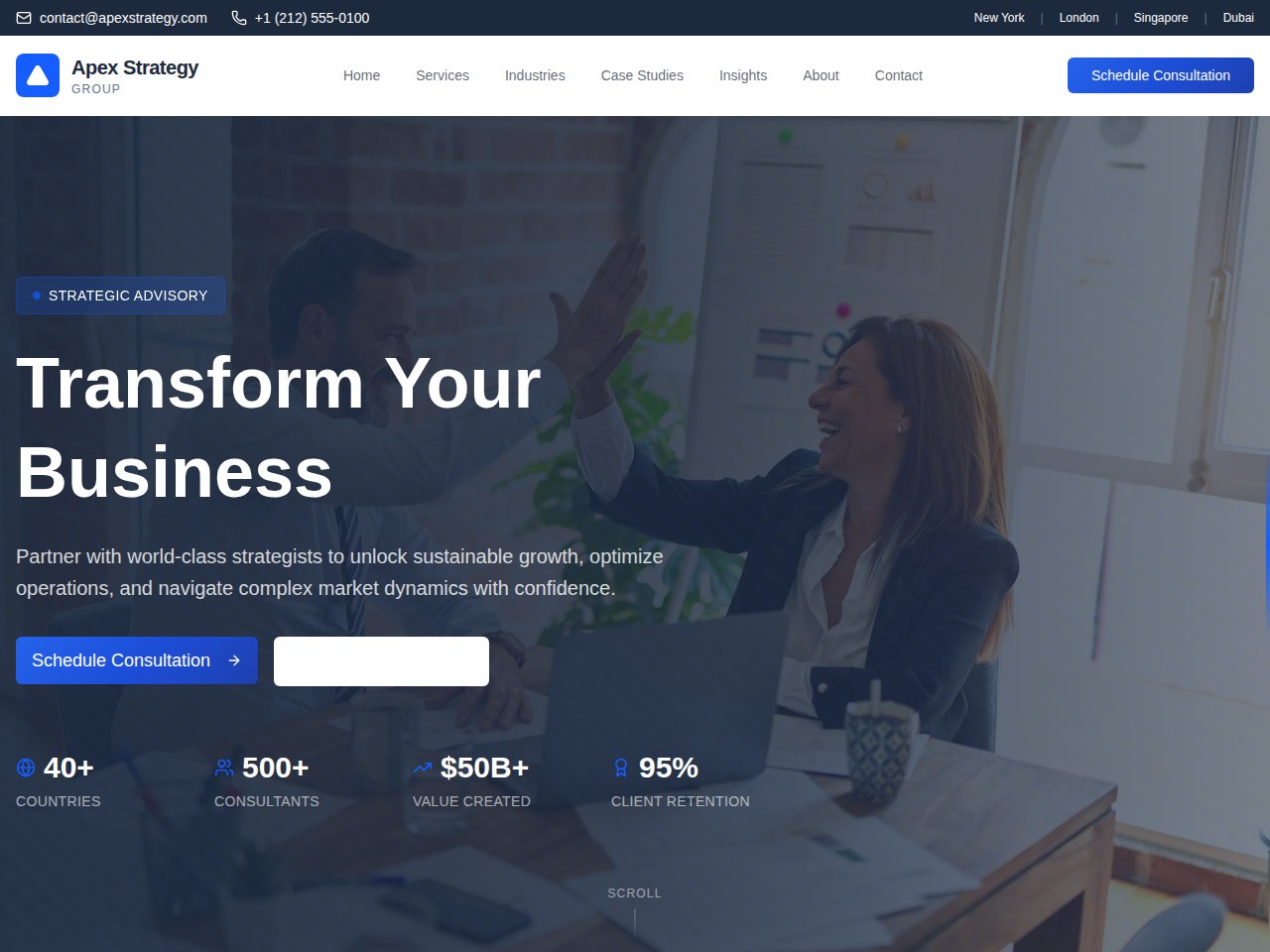
Start from the visitor’s question
A useful business website explains what you do, who it helps and how to take the next step. Begin with the services, work samples or product information a visitor needs. A few clear pages can be more useful than a large unfinished site.
- Choose one main goal for the first version.
- Write down your offer, audience and essential information.
- Pick a template with a structure close to that goal.
Make the design your own
Inspect the available template and its included interfaces, then remix it into an independent project. Describe the copy, layout and image changes you want. Check the result with real content rather than relying on a polished sample preview.
- Replace sample contact details, images and testimonials.
- Check headings, navigation and readable text on mobile.
- Keep an inquiry, booking or purchase action clearly explained.
Prepare for visitors
Check every link and form before publishing. If a form should send email, save leads or connect to another tool, set up and test that destination. Review your project’s publishing options, domain configuration and any paid services. A template does not automatically provide those connections.
- Review page titles, descriptions and image text.
- Test keyboard navigation and phone layouts.
- Remove sample data and verify the main action end to end.
A starting point
Make the brief specific.
Adapt this example to your business. Keep sample data separate from real customer information.
Create a website for a small consulting business that helps independent shops improve their operations. Include services, an about section and a contact page. Use sample business details, clear headings and one primary inquiry action. Mark anything that still needs a real service connection.
Explore before you start
Real templates to inspect.
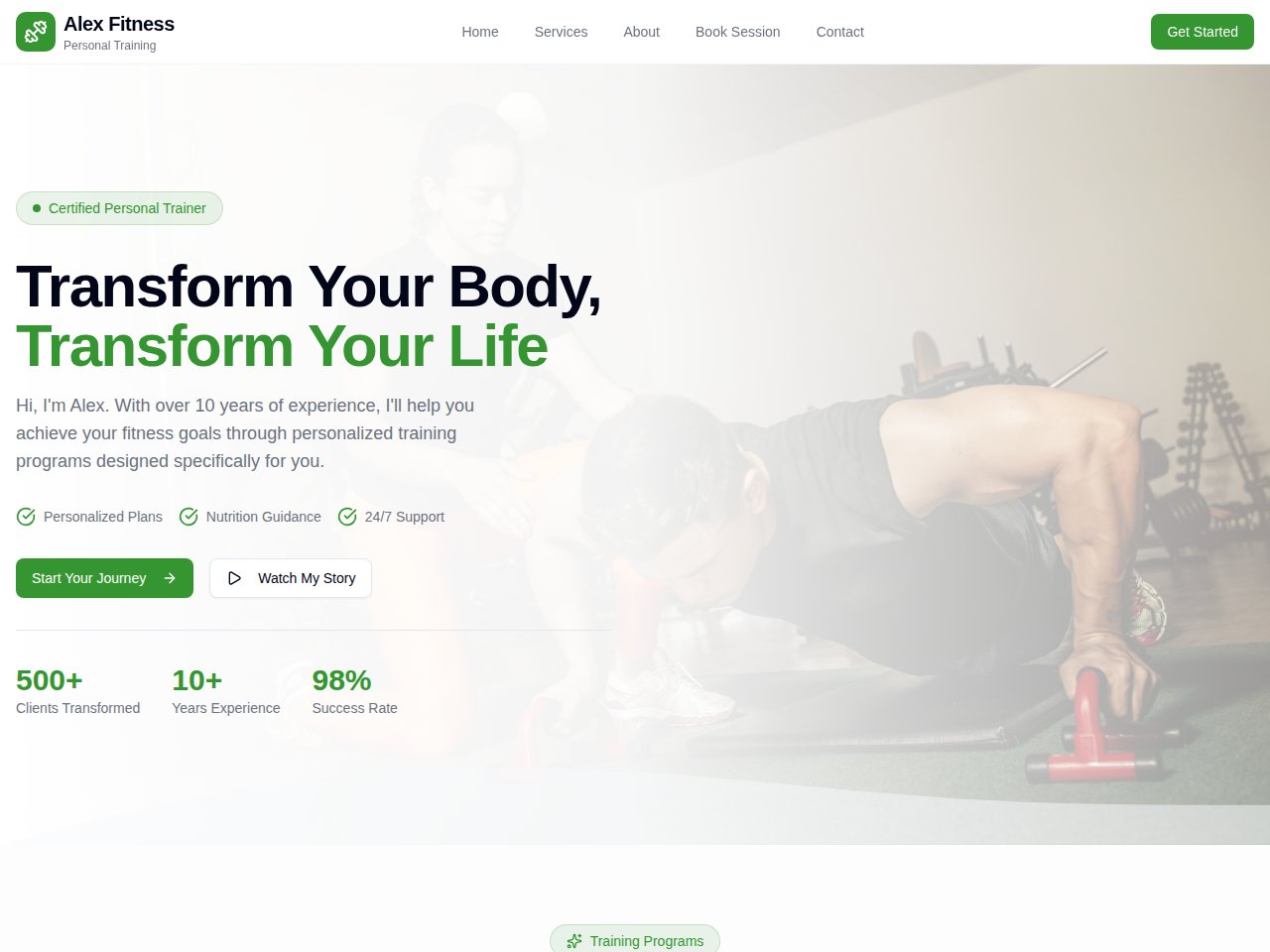
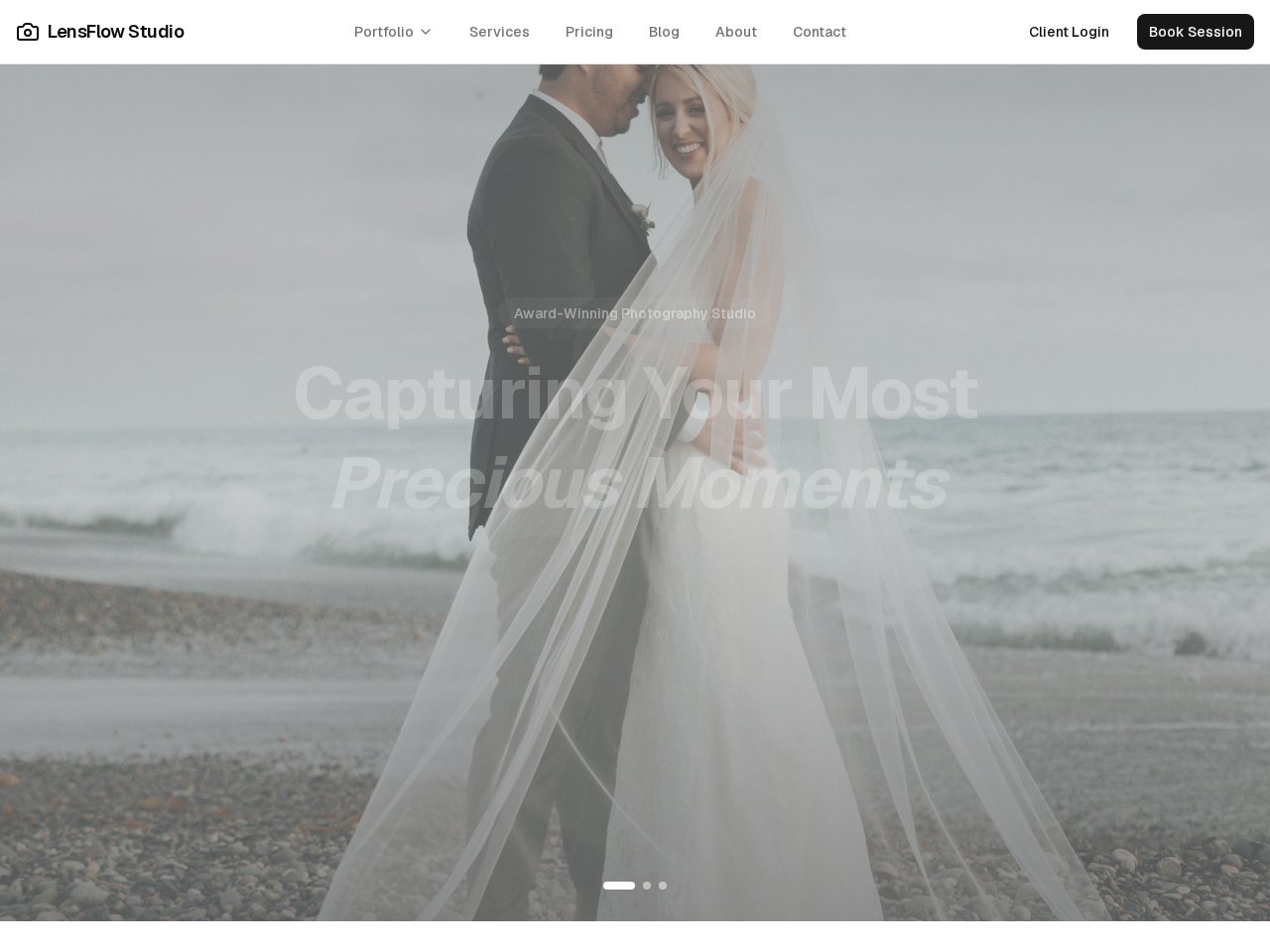
These are current, available static previews. Read each template’s included interfaces and setup notes before you remix it into your own project.
When you need the next step
Follow the product documentation.
Before you start.
Can I inspect a website template before signing in?
Yes. Public template pages link to the actual static preview and describe the included interfaces. Sign in when you want to create an independent source project.
Are contact forms and bookings ready for real customers?
Check the template description and the services available to your project. Public previews use sample content. Real form delivery, bookings, payments and customer accounts need their own setup and testing.
What should I budget for a website?
Review the current plan and credits in your Cocoding account, and include domain, hosting or connected-service costs required by your setup. The public template preview is not a price quote for operating the finished site.
Find your next step.
Start with one useful task