
Cocoding vs Framer
Cocoding vs Framer: build beyond the marketing site.
Start with the website, then build the application behind it: full-stack web, native mobile and desktop in Cocoding.
The Cocoding platform
One platform. Web, mobile and desktop.
Cocoding builds full-stack products with framework choice, native app targets and a library of more than 320 templates.
- Full-stack development
- Build the interface, backend logic, APIs and data workflows together.
- Framework choice
- Work across frontend and backend frameworks, including React, Next.js, Vue, Svelte, NestJS, Django and Go.
- Native mobile
- Choose Flutter, React Native, Swift or native Android for the product you are building.
- Desktop applications
- Create dedicated desktop software as well as web and mobile apps.
- 320+ templates
- Start from the wider Cocoding library across web, mobile and desktop use cases.
- Built-in platform security
- Built-in authentication, scoped permissions and secure secret handling, backed by platform isolation.
320+ describes the overall template library. The public gallery shows the subset with published previews. Framework, runtime and distribution requirements depend on the project; security controls vary by plan and deployment stage. Explore published previews · Security details
Reviewed
Cocoding editorial documentation review using official competitor sources and the Cocoding product team’s confirmed platform scope. Checked 23 October 2026. No matched speed, cost or security benchmark was run. A capability not documented in the cited workflow is not a claim that arbitrary custom development is impossible.
Compare the workflow.
Scroll to compare both builders
| What to check | Cocoding | Framer |
|---|---|---|
| Full-stack product scope | Full-stack development across web, native mobile and desktop: interfaces, backend logic, APIs and data workflows. | A hosted website and CMS platform with visual design, content management and publishing. Its reviewed scope is websites rather than a general native-app generation workflow. |
| Framework choice | Choose frontend and backend frameworks such as React, Next.js, Vue, Svelte, NestJS, Django and Go, plus native mobile options. | Custom CSS, JavaScript and external scripts extend a Framer site. This is different from selecting a generated application’s frontend and backend frameworks. |
| Native mobile | Flutter, React Native, Swift and native Android are supported mobile targets. Choose the native stack that fits the project. | Published sites can serve phone visitors. The reviewed website workflow does not document Flutter, React Native, Swift or Android-native project generation. |
| Desktop applications | Dedicated desktop applications are part of the Cocoding product scope, alongside web and mobile projects. | Website publishing is the reviewed target. Using a desktop site editor is different from generating a desktop application for your customers. |
| Template starting points | More than 320 templates across the overall library. The public preview gallery is a separately published subset. | Its website and CMS starting points serve the site-design workflow; this review does not assign a competing inventory count. |
| Built-in security | Built-in authentication, scoped permissions and secure secret handling, backed by platform isolation. Available controls vary by plan and deployment stage; review generated-app behavior too. | Publishes hosted-platform security measures and assurance information. Review the responsibilities of any external service connected to a site. |
| Source and handoff | Review generated source and use download or GitHub handoff where available for your plan and project state. Confirm runtime, services and publishing requirements for the selected target. | Framer’s official help says it does not provide HTML export for self-hosting; published sites depend on Framer’s managed platform. |
When the website is only the first surface
A polished site may be the beginning of a service business: a customer needs to book, staff need to manage the record and a mobile user needs a native experience. Cocoding lets you plan the interface, backend and additional app targets as one product brief rather than stopping at the marketing website.
- Describe the customer journey and the operational workflow together.
- Choose the frameworks that fit the application, not only the page layout.
- Start from the broader library, then connect and test the required services.
Where Framer fits
Framer is relevant when the main job is designing and publishing a website with managed content. It has a CMS and custom-code extensions. The distinction is the product you intend to deliver: a hosted website can be the right outcome, while native mobile, a separate backend or desktop software can change the requirements.
- Evaluate its visual website and content workflow for marketing-led work.
- Confirm any external backend integration rather than assuming a form is the whole app.
- Review the official export limitation if independent source handoff is essential.
Evaluate a service journey beyond the page
Use a clinic inquiry scenario with public service information, a staff-managed request and a native mobile follow-up experience. Compare which parts are generated, which need external systems and what your maintainer receives. Keep private health information out of the test and use sample records.
- Check a saved request after a reload.
- Test staff and visitor permissions separately.
- Inspect the native project and its device-testing path, not only responsive screen sizes.
A starting point
Make the brief specific.
Adapt this example to your business. Keep sample data separate from real customer information.
Plan a local service product with a public website, a backend request workflow, a native React Native customer app and a desktop staff tool. Use sample inquiries. Explain the framework and runtime requirements for each target. Start with one visitor inquiry that staff can review, including permissions and secure secret configuration.
Explore before you start
Real templates to inspect.
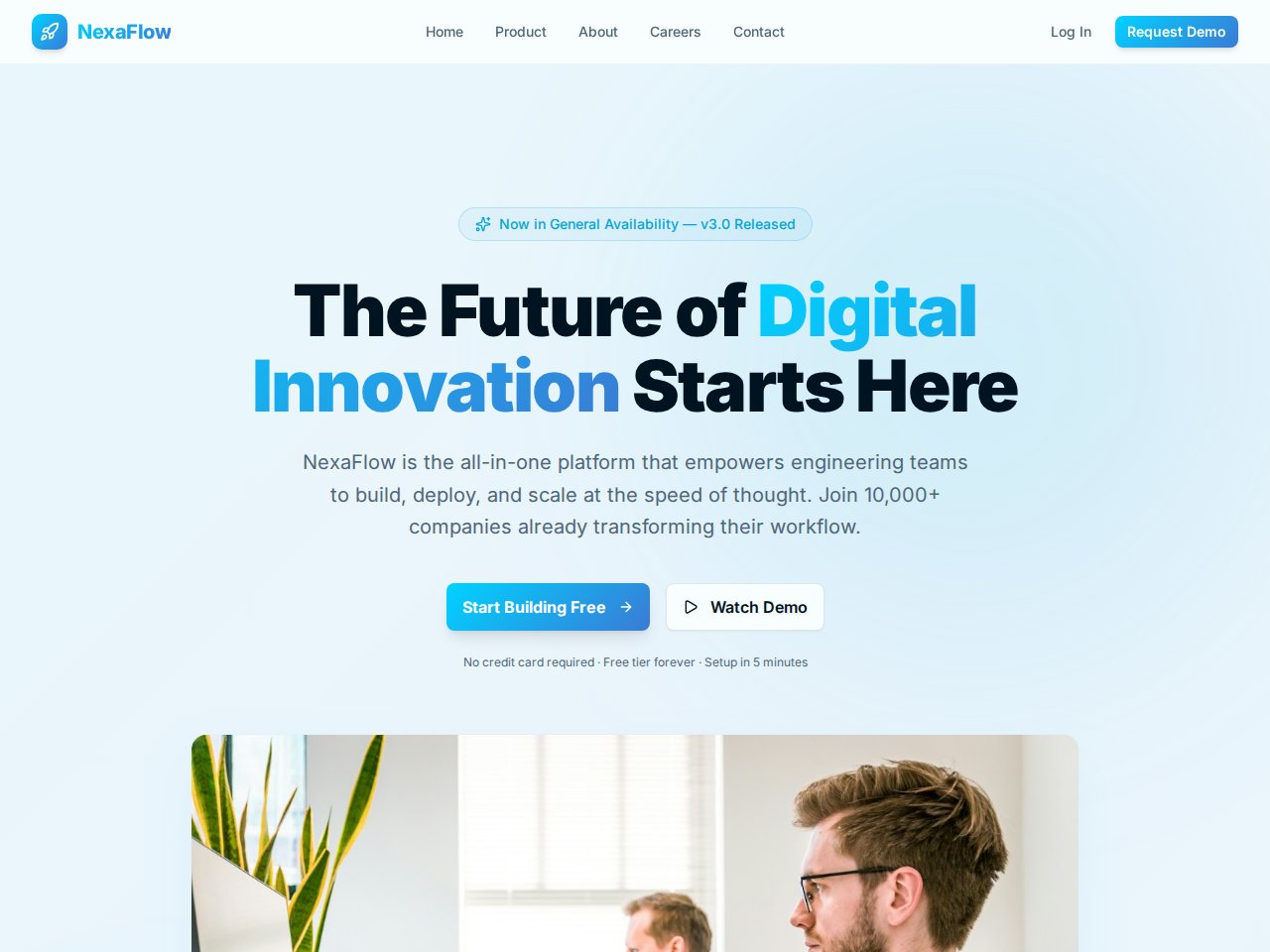
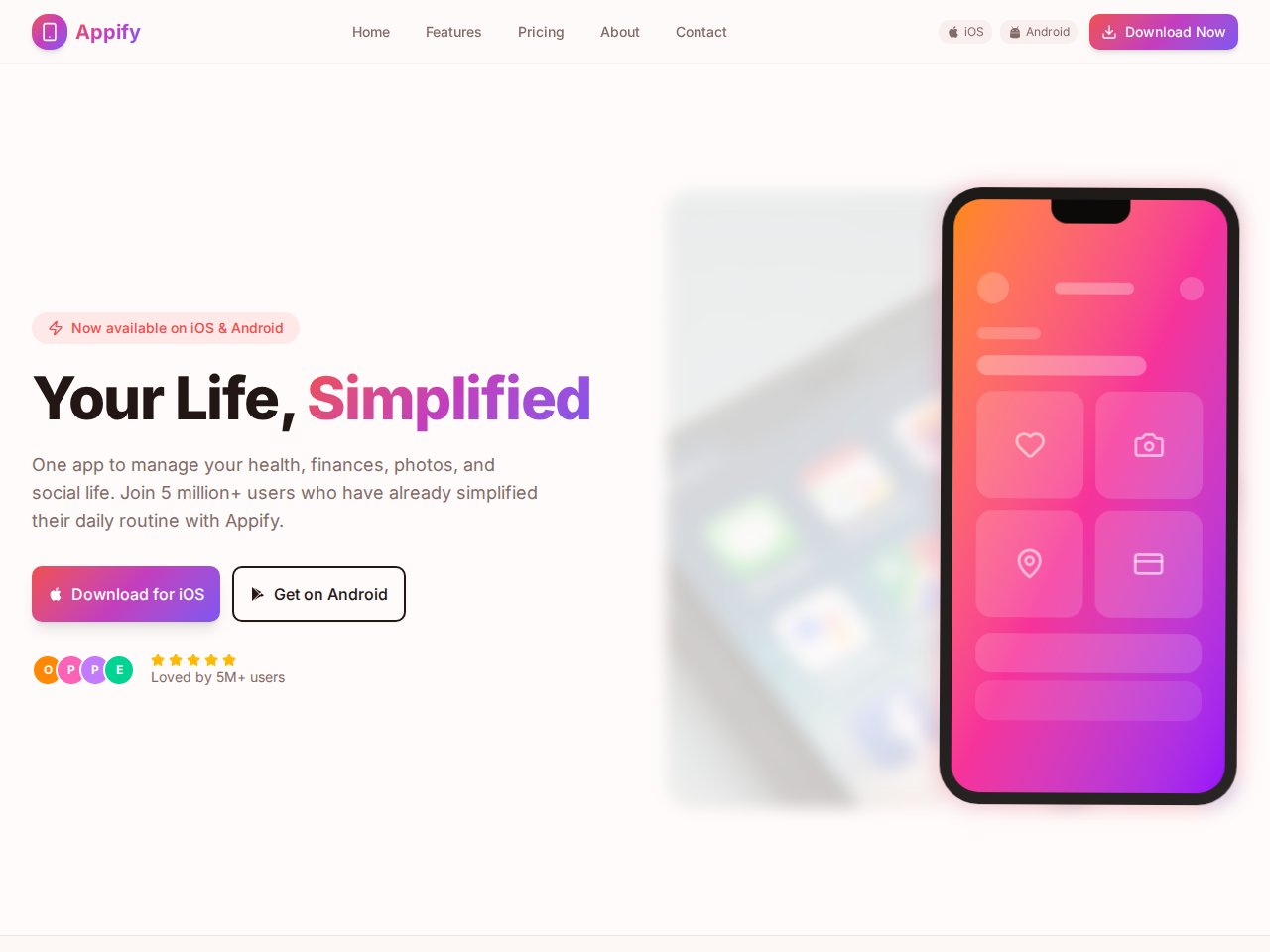
These are current, available static previews. Read each template’s included interfaces and setup notes before you remix it into your own project.
When you need the next step
Follow the product documentation.
Before you start.
Should I choose Cocoding or Framer for a landing page?
Choose around what comes next. Framer is relevant for a hosted visual website and CMS workflow. Cocoding is worth evaluating when the brief also needs full-stack behavior, framework choice, native mobile or desktop software.
Can I export a Framer website as independent HTML?
Framer’s linked help page says it does not offer HTML export for self-hosting. Cocoding documents source download and GitHub handoff subject to plan and project-state availability.
Find your next step.
Start with one useful task