
Cocoding vs Webflow
Cocoding vs Webflow: bring native apps into the plan.
Build the website, backend, native mobile app and desktop experience with Cocoding’s broader choice of product targets.
The Cocoding platform
One platform. Web, mobile and desktop.
Cocoding builds full-stack products with framework choice, native app targets and a library of more than 320 templates.
- Full-stack development
- Build the interface, backend logic, APIs and data workflows together.
- Framework choice
- Work across frontend and backend frameworks, including React, Next.js, Vue, Svelte, NestJS, Django and Go.
- Native mobile
- Choose Flutter, React Native, Swift or native Android for the product you are building.
- Desktop applications
- Create dedicated desktop software as well as web and mobile apps.
- 320+ templates
- Start from the wider Cocoding library across web, mobile and desktop use cases.
- Built-in platform security
- Built-in authentication, scoped permissions and secure secret handling, backed by platform isolation.
320+ describes the overall template library. The public gallery shows the subset with published previews. Framework, runtime and distribution requirements depend on the project; security controls vary by plan and deployment stage. Explore published previews · Security details
Reviewed
Cocoding editorial documentation review using official competitor sources and the Cocoding product team’s confirmed platform scope. Checked 23 October 2026. No matched speed, cost or security benchmark was run. A capability not documented in the cited workflow is not a claim that arbitrary custom development is impossible.
Compare the workflow.
Scroll to compare both builders
| What to check | Cocoding | Webflow |
|---|---|---|
| Full-stack product scope | Full-stack development across web, native mobile and desktop: interfaces, backend logic, APIs and data workflows. | Includes website tooling and Webflow Cloud for full-stack web apps. Calling the whole platform frontend-only would miss Cloud’s app workflow. |
| Framework choice | Choose frontend and backend frameworks such as React, Next.js, Vue, Svelte, NestJS, Django and Go, plus native mobile options. | Cloud documents Next.js, Astro, Vite-based React/Vue/Svelte and static apps, subject to its runtime requirements. |
| Native mobile | Flutter, React Native, Swift and native Android are supported mobile targets. Choose the native stack that fits the project. | The reviewed Cloud workflow deploys web apps. It does not document Flutter, Swift or Android-native app generation and store distribution. |
| Desktop applications | Dedicated desktop applications are part of the Cocoding product scope, alongside web and mobile projects. | The reviewed app-deployment workflow targets the web, rather than generation of dedicated desktop applications. |
| Template starting points | More than 320 templates across the overall library. The public preview gallery is a separately published subset. | Compare site starters and Cloud application source as different starting points. No competing template-library count is asserted here. |
| Built-in security | Built-in authentication, scoped permissions and secure secret handling, backed by platform isolation. Available controls vary by plan and deployment stage; review generated-app behavior too. | Cloud documents runtime isolation boundaries and compatibility requirements. Authentication, APIs and external libraries still need project-specific review. |
| Source and handoff | Review generated source and use download or GitHub handoff where available for your plan and project state. Confirm runtime, services and publishing requirements for the selected target. | Site code export on paid Workspace plans includes HTML/CSS/JavaScript but excludes CMS functionality and form processing. Treat this separately from a Cloud app’s repository. |
Compare the complete product architecture
A marketing site, an operational backend and a native customer app have different needs. Cocoding supports planning across those surfaces, with desktop applications and multiple native frameworks in the same platform scope. Start by deciding which parts of your product must be web, native mobile or desktop.
- Keep content publishing and operational data as explicit requirements.
- Choose the frameworks and native targets the team needs.
- Use a relevant starter from the wider Cocoding library, then test its connections.
Include Webflow Cloud in a fair comparison
Webflow Cloud supports full-stack web applications and several web frameworks. Its capabilities make it more than a visual frontend editor. Cocoding’s broader native-mobile and desktop scope is the important difference when those are part of your roadmap; compare that requirement with the specific Webflow workflow you would use.
- Distinguish a Webflow site export from a Cloud application.
- Account for runtime compatibility and connected services.
- Verify which CMS and form behavior travels with any exported site.
Evaluate a service brand with an operational app
Use a public service website, a native customer app and a desktop dispatch tool. Follow one request from the customer to the team handling it. Review the source, the data boundary and the setup for each target, including what would need to be rebuilt or connected after handoff.
- Test the website and native customer journey independently.
- Confirm that staff permissions apply to the shared records.
- List export and hosting dependencies rather than assuming a ZIP contains a complete running service.
A starting point
Make the brief specific.
Adapt this example to your business. Keep sample data separate from real customer information.
Plan a service brand with a public Svelte website, a backend service-request API, a Flutter customer app and a desktop dispatch tool. Use sample requests and separate customer/staff permissions. Explain the runtime, secret configuration and distribution requirements. Implement one request journey before expanding the product.
Explore before you start
Real templates to inspect.
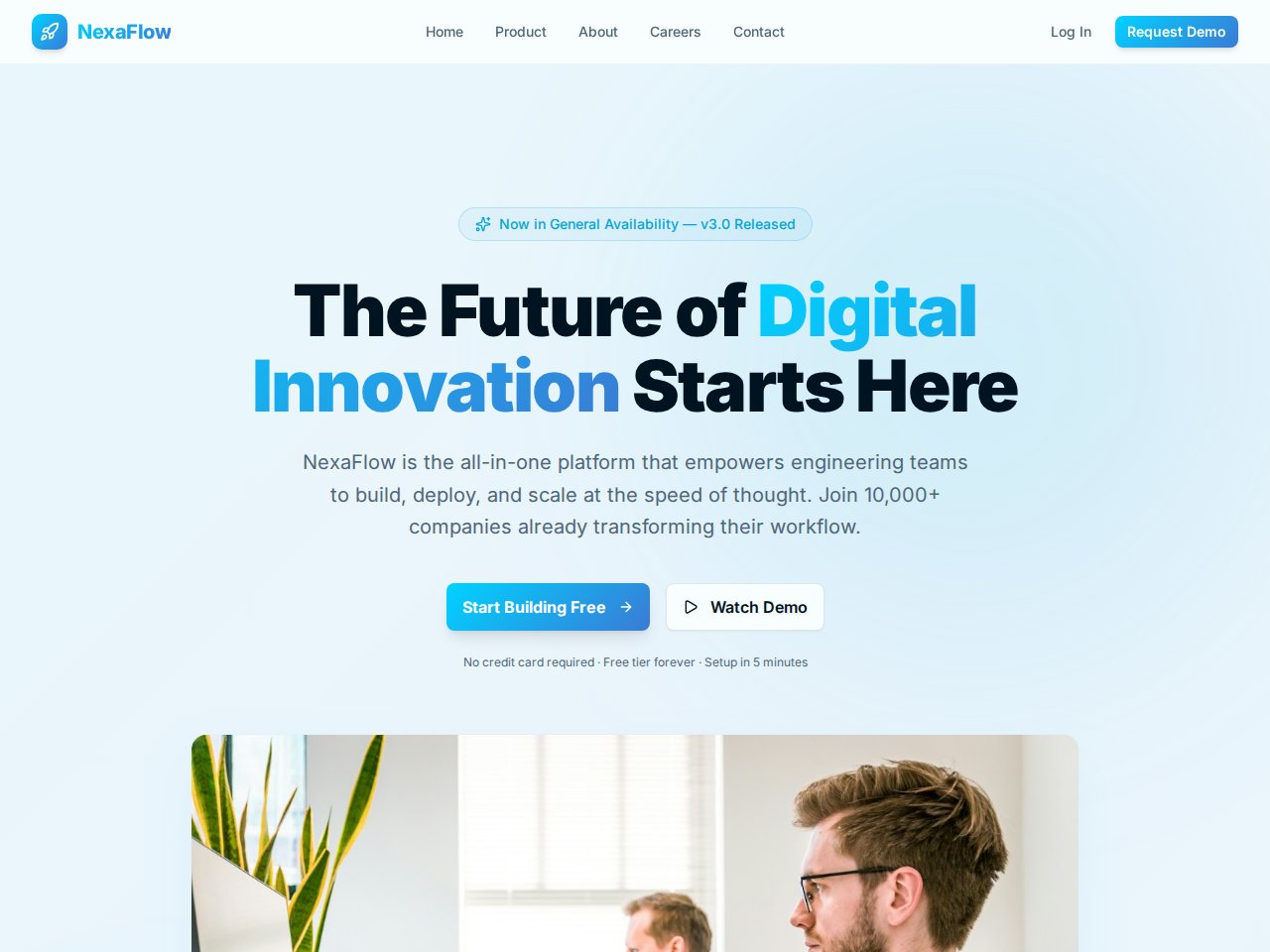
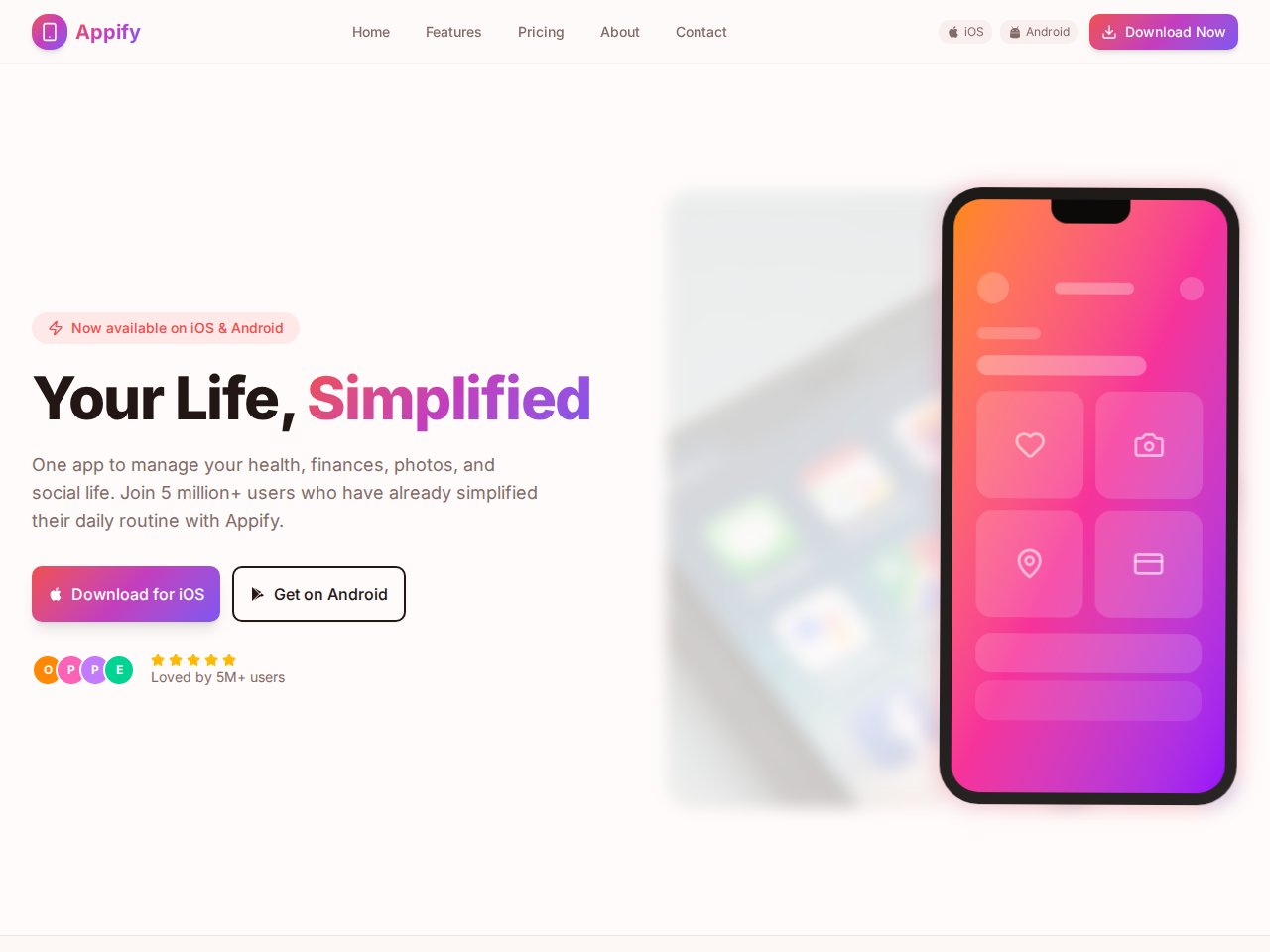
These are current, available static previews. Read each template’s included interfaces and setup notes before you remix it into your own project.
When you need the next step
Follow the product documentation.
Before you start.
Can Webflow build full-stack apps?
Webflow Cloud documents full-stack web app hosting with supported web frameworks. The distinction here is Cocoding’s wider product scope across web, multiple native mobile frameworks and desktop applications.
Does a Webflow site export include CMS and working forms?
Its official pricing and export information identifies restrictions around dynamic CMS content and forms. Cloud app repositories are a separate workflow and should be evaluated separately.
Find your next step.
Start with one useful task