
AI app builder for nontechnical users
Start with what you want to do.
You do not need a perfect technical brief to begin. Explain the people, pages and actions your first version needs, then inspect the result one step at a time.
Describe the task in your own words
You can start with sentences such as ‘show my services’ or ‘let a visitor send an inquiry’. Include the information each page should display and what should happen after a click. You can refine the details as you review the result.
- Say who will use it and what they need.
- List a few pages or screens, not every future feature.
- Use sample information while exploring.
Use an example to make decisions easier
A template lets you see a design before choosing it. Inspect its pages, check the phone layout and read what is included. Remix creates an independent source project in your Cocoding account; the public preview remains an example.
- Choose a starting point close to your task.
- Change the name, offer and images first.
- Ask for one visible change, then compare the result.
Know when to ask for help
Visual changes are different from handling real customer data, accounts or payments. Those workflows need connected services, permissions and testing. Ask someone qualified to review sensitive or complex behavior before real users depend on it.
- Never put passwords or private customer information in a prompt.
- Check that forms and data do what you expect.
- Use the troubleshooting guide when a preview cannot start.
A starting point
Make the brief specific.
Adapt this example to your business. Keep sample data separate from real customer information.
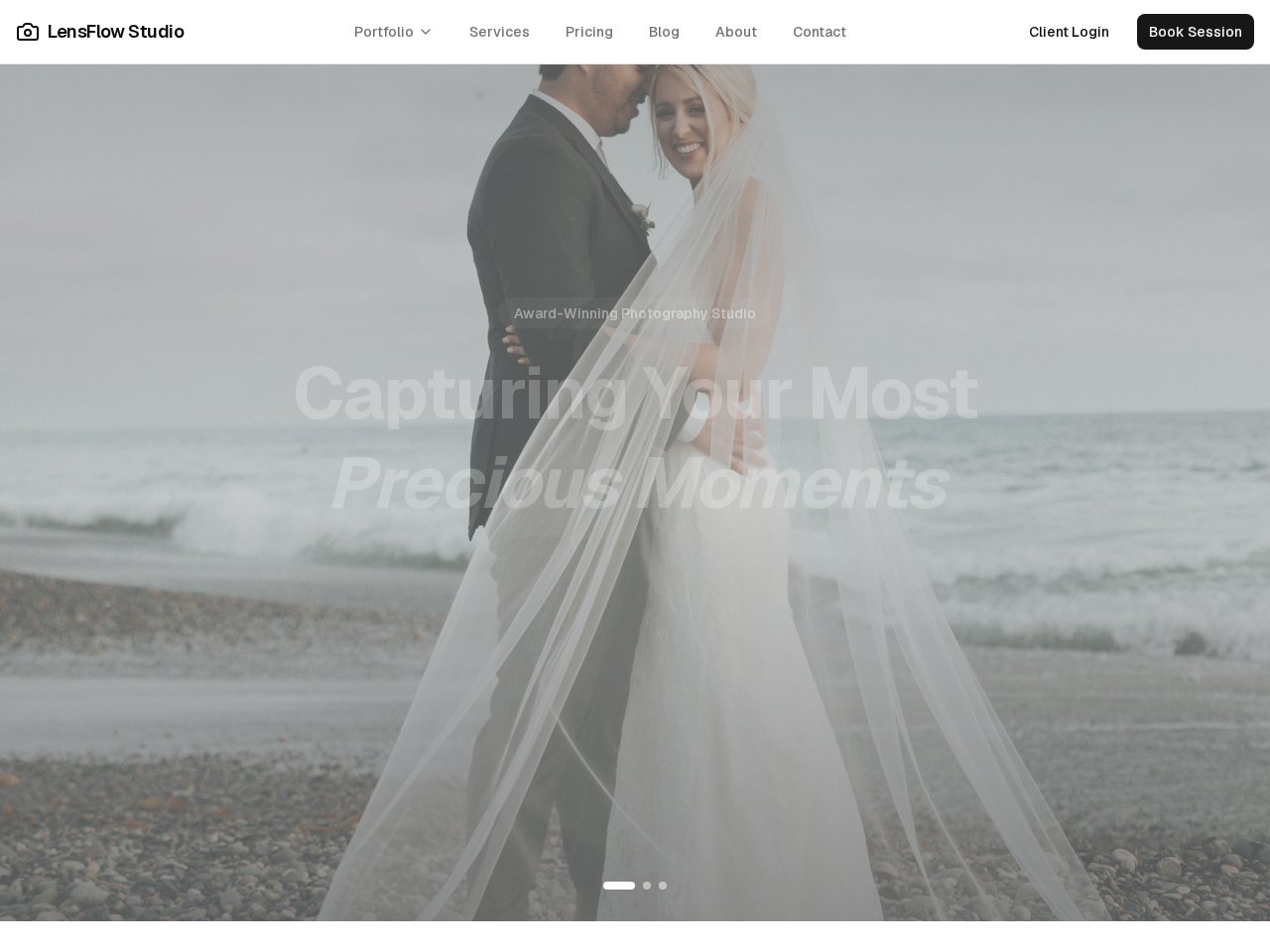
Create a simple website for my independent photography business. Include a portfolio, a services page and a contact page. Use clearly marked sample images and contact details. Make the navigation easy to use on a phone. Explain what I must replace or connect before publishing.
Explore before you start
Real templates to inspect.
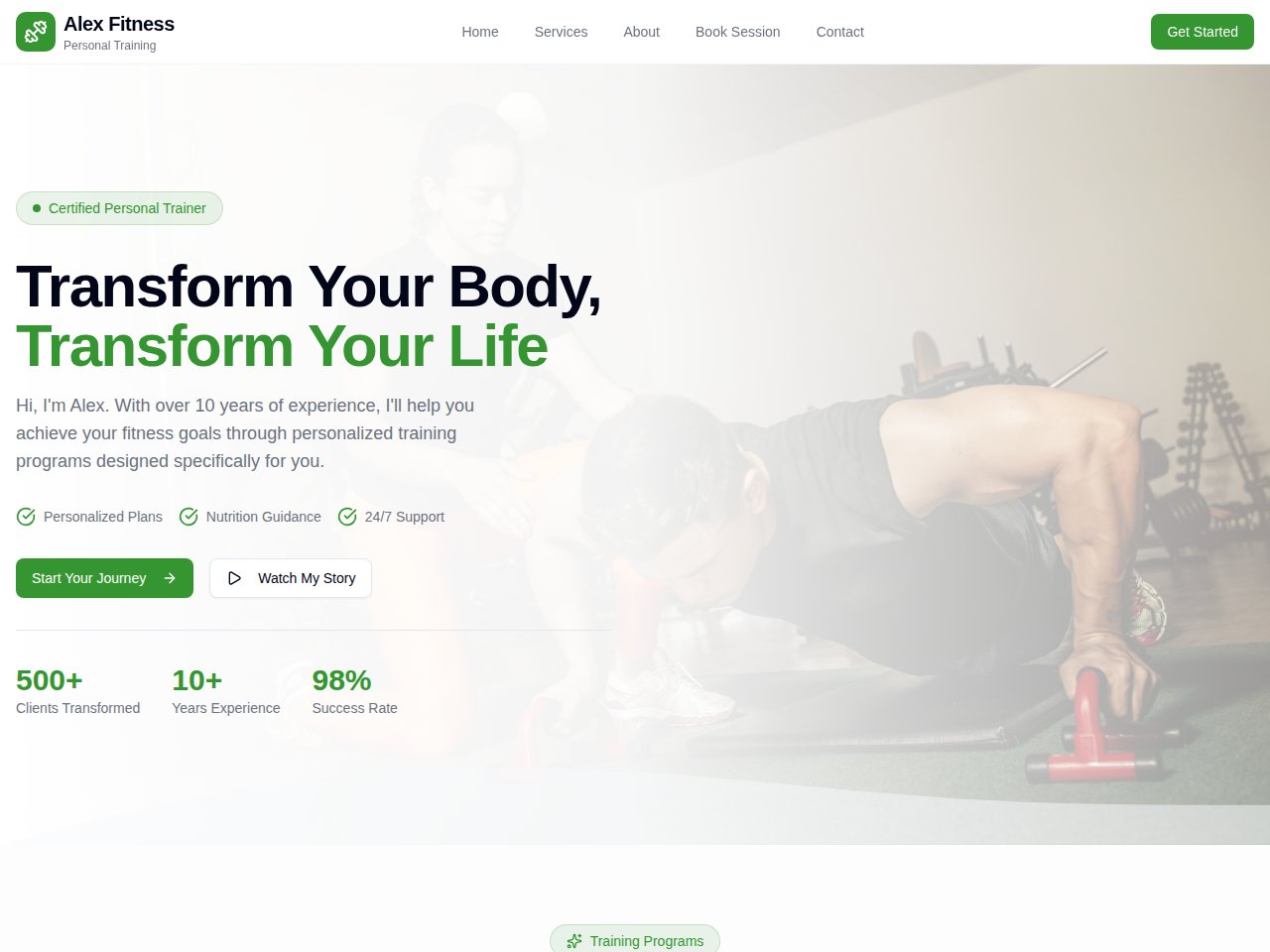
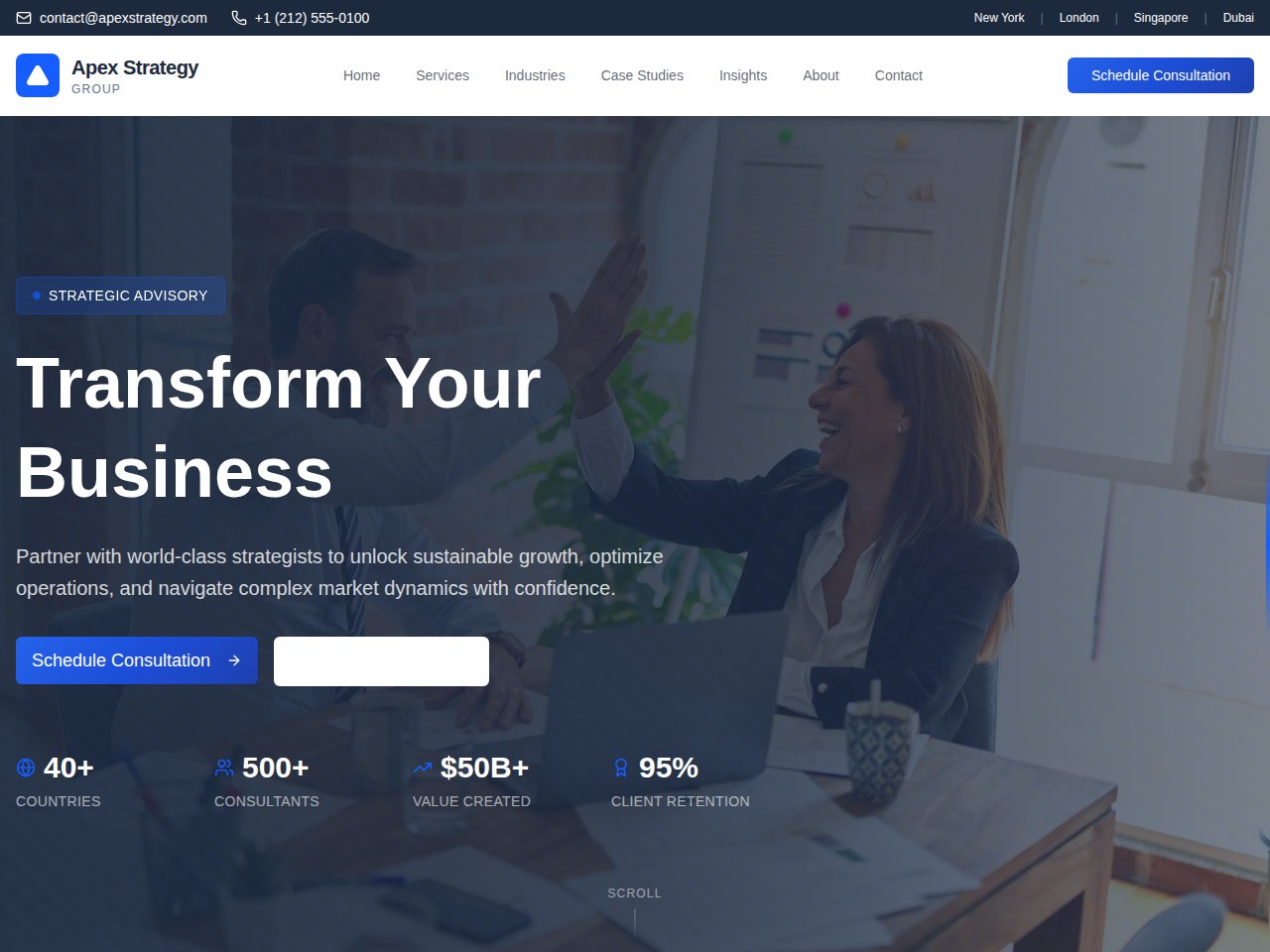
These are current, available static previews. Read each template’s included interfaces and setup notes before you remix it into your own project.
When you need the next step
Follow the product documentation.
Before you start.
Do I have to write code to get started?
You can begin with a prompt or inspect and remix a template. Describe changes in everyday language. You may need technical help to review a complex app or configure the services it depends on.
What is the difference between a website and an app?
A website can present an offer, information or a portfolio. An app may also let people sign in, save records and complete workflows. Start with the simplest version that meets your need.
What if the first result is wrong?
Describe the specific part you want to change and check the next result. For an error or unavailable preview, use the troubleshooting steps and share a redacted error description rather than private account information.
Find your next step.
Start with one useful task