
A guide for first-time builders
Your first app starts with one useful task.
Make the first version small enough to inspect. This guide takes you from a plain-language brief to a result you can review and improve.
01 — Choose a single user journey
Write one sentence about the person and task: ‘A freelance designer needs to see which projects need attention.’ List the smallest set of screens needed to show that task. Leave payments, team accounts and automation for a later review.
- Name the user and their goal.
- List the information the screens need.
- Decide what a successful first demonstration looks like.
02 — Inspect a template or write your brief
Browse the public template previews if you want a visible starting point. Read the included-interface list and the sample-data note. Sign in to remix a template or use the app’s prompt workflow. In a prompt, explain pages, actions and example data rather than selecting a whole technical stack.
- Use fictitious names and records.
- Include what the first version should leave out.
- Never include private credentials or customer information.
03 — Review the preview
Open the result when a preview is available. Follow the main journey in order. If it cannot start, use the troubleshooting guide and describe the specific error with sensitive information removed. A good-looking screen is only one part of a working task.
- Try navigation and a valid example.
- Try empty input and an invalid value.
- Reload and check whether expected records persist.
04 — Ask for one change at a time
Describe what you see and what should happen instead. For example: ‘When I choose Completed, hide active projects but keep the filter visible.’ Inspect the changed behavior before adding another feature. Keep a short checklist of what has and has not been tested.
- Keep changes specific and observable.
- Recheck the main journey after a change.
- Review the phone layout and keyboard interaction.
05 — Understand what needs connecting
Sample records, a demo sign-in screen and a form success state are not proof of a live service. Review the services, permissions, runtime and publishing options available to your project. Ask for technical help when sensitive data, payment or complex access rules are involved.
- Verify each real data or service destination.
- Review plan limits and external-service costs.
- Remove sample content before sharing with real users.
A starting point
Make the brief specific.
Adapt this example to your business. Keep sample data separate from real customer information.
Create a simple project tracker for a freelance designer. Include a project list, a project detail page and a status filter. Use sample clients and projects. Do not connect real accounts or send messages. Explain which parts use sample data and what needs setup before real use.
Explore before you start
Real templates to inspect.
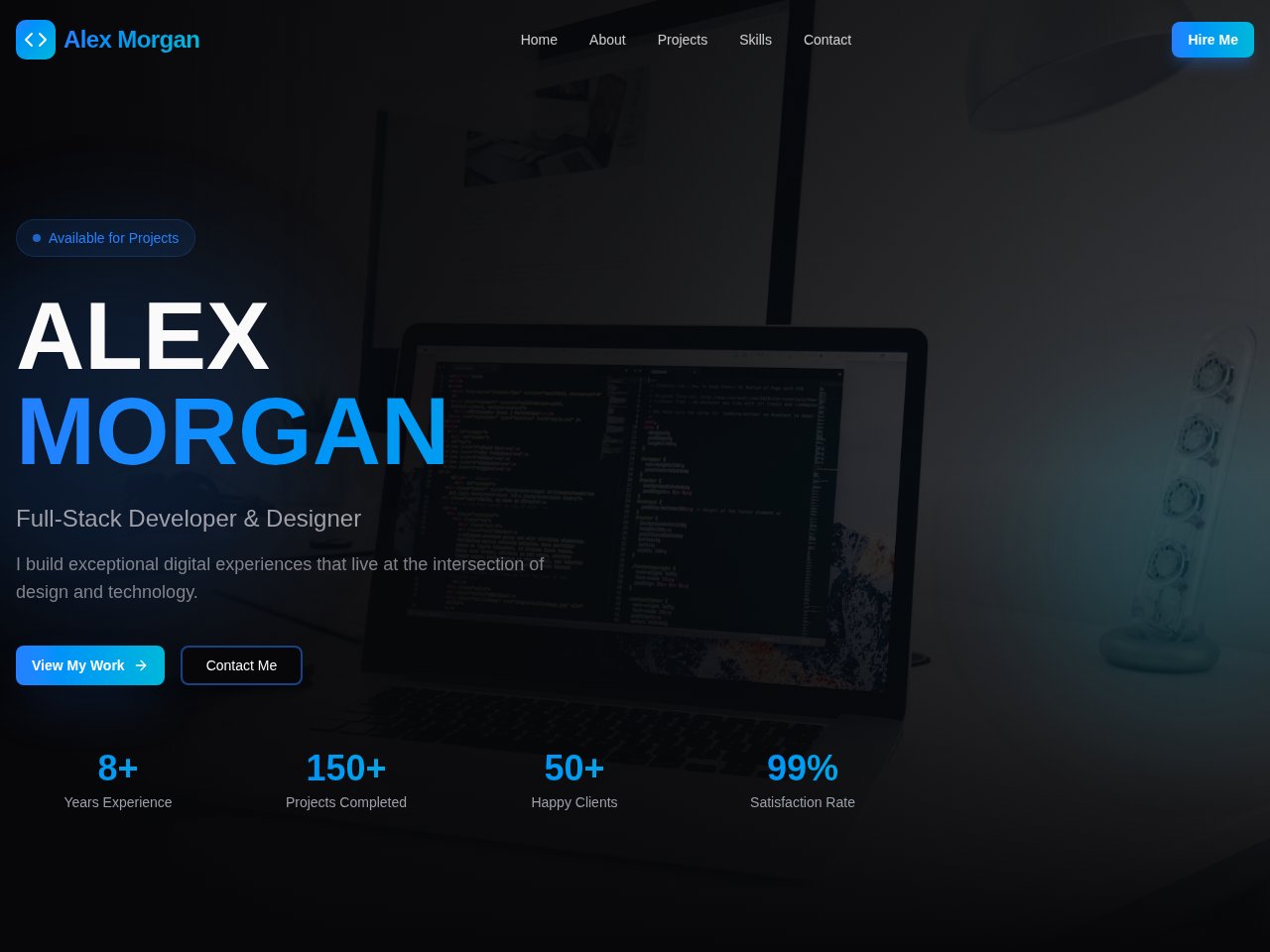
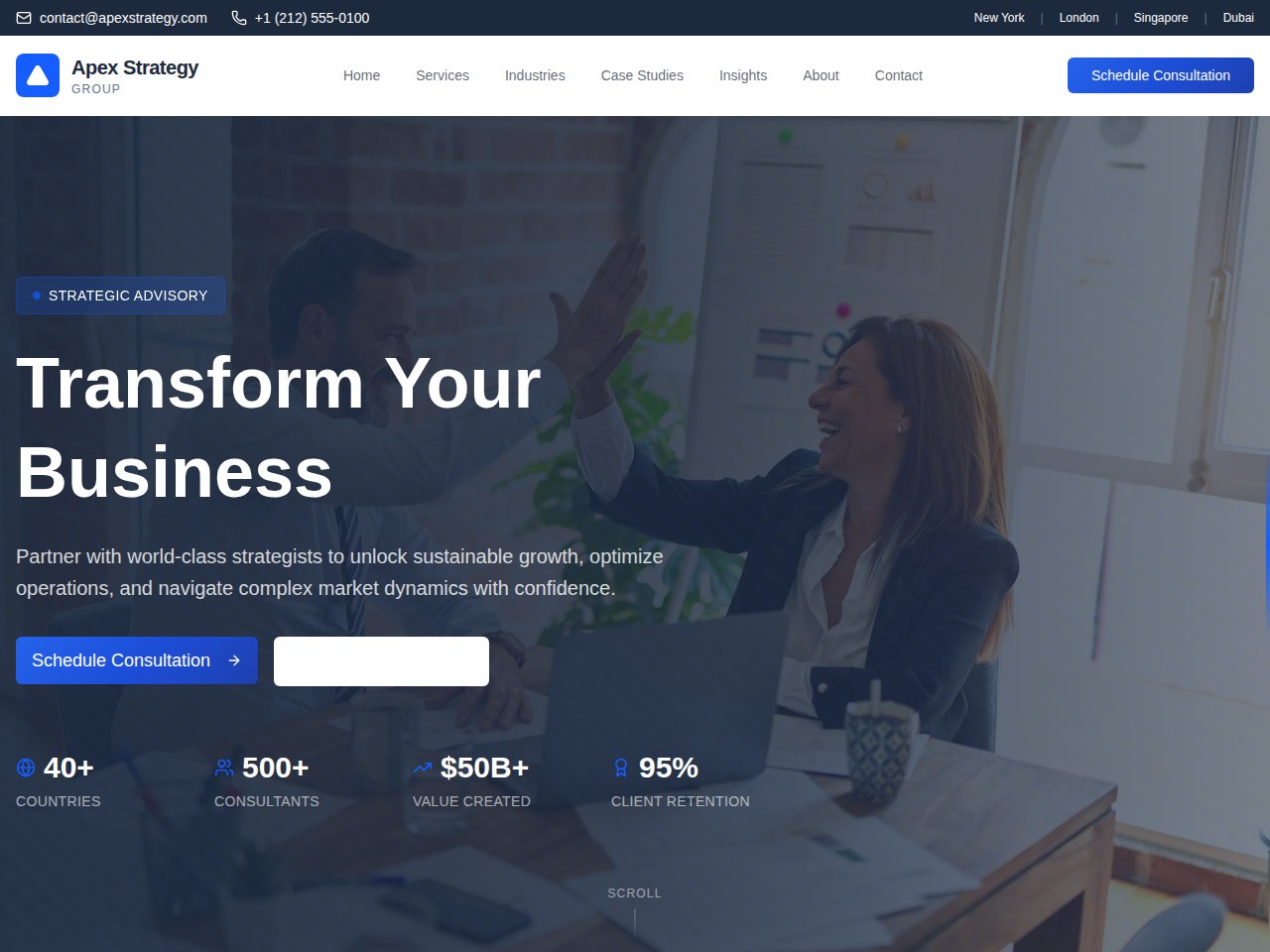
These are current, available static previews. Read each template’s included interfaces and setup notes before you remix it into your own project.
When you need the next step
Follow the product documentation.
Before you start.
How long should the first build take?
It depends on scope, generation, runtime setup and the changes needed. Start with one small task and record actual time and cost rather than relying on a universal speed promise.
Can I share a sample preview with customers?
Review what is public, what uses sample data and what actions are connected. Use the sharing and publishing controls available to your project, and explain any demonstration limits to the people viewing it.
Find your next step.
Start with one useful task