
Cocoding vs Bubble
Cocoding vs Bubble: keep your framework and source options open.
Choose Cocoding for full-stack projects across web, native mobile and desktop, with framework choice and reviewable generated source.
The Cocoding platform
One platform. Web, mobile and desktop.
Cocoding builds full-stack products with framework choice, native app targets and a library of more than 320 templates.
- Full-stack development
- Build the interface, backend logic, APIs and data workflows together.
- Framework choice
- Work across frontend and backend frameworks, including React, Next.js, Vue, Svelte, NestJS, Django and Go.
- Native mobile
- Choose Flutter, React Native, Swift or native Android for the product you are building.
- Desktop applications
- Create dedicated desktop software as well as web and mobile apps.
- 320+ templates
- Start from the wider Cocoding library across web, mobile and desktop use cases.
- Built-in platform security
- Built-in authentication, scoped permissions and secure secret handling, backed by platform isolation.
320+ describes the overall template library. The public gallery shows the subset with published previews. Framework, runtime and distribution requirements depend on the project; security controls vary by plan and deployment stage. Explore published previews · Security details
Reviewed
Cocoding editorial documentation review using official competitor sources and the Cocoding product team’s confirmed platform scope. Checked 23 October 2026. No matched speed, cost or security benchmark was run. A capability not documented in the cited workflow is not a claim that arbitrary custom development is impossible.
Compare the workflow.
Scroll to compare both builders
| What to check | Cocoding | Bubble |
|---|---|---|
| Full-stack product scope | Full-stack development across web, native mobile and desktop: interfaces, backend logic, APIs and data workflows. | A full-stack visual app platform with workflows, database, authentication and APIs. Native mobile is also part of its documented product. |
| Framework choice | Choose frontend and backend frameworks such as React, Next.js, Vue, Svelte, NestJS, Django and Go, plus native mobile options. | Application behavior is built in Bubble’s visual engine. This is different from selecting generated frontend, backend and native framework source projects. |
| Native mobile | Flutter, React Native, Swift and native Android are supported mobile targets. Choose the native stack that fits the project. | Documents native iOS and Android apps using React Native. It should not be described as lacking native mobile. |
| Desktop applications | Dedicated desktop applications are part of the Cocoding product scope, alongside web and mobile projects. | The reviewed workflows cover web and native mobile; dedicated desktop source-project generation is not established by those guides. |
| Template starting points | More than 320 templates across the overall library. The public preview gallery is a separately published subset. | Starting within Bubble means using its application model and runtime. Evaluate the actual starter and maintenance workflow instead of assuming framework portability. |
| Built-in security | Built-in authentication, scoped permissions and secure secret handling, backed by platform isolation. Available controls vary by plan and deployment stage; review generated-app behavior too. | Documents privacy controls and a built-in security dashboard that scans for issues. Access rules and generated behavior still need review for the specific app. |
| Source and handoff | Review generated source and use download or GitHub handoff where available for your plan and project state. Confirm runtime, services and publishing requirements for the selected target. | Its ownership guide says apps run on Bubble and cannot be exported as application code. Data export is separate; moving app logic elsewhere requires rebuilding it. |
Choose how you want to own the next iteration
If a developer will extend the product in a chosen framework, source handoff matters from the beginning. Cocoding generates projects across web, backend and native targets, with documented source-download and GitHub options subject to plan and project state. That is a materially different handoff model from a visual app whose logic runs inside its own engine.
- Name the frameworks and future maintenance requirements in the brief.
- Review source, setup notes and data dependencies together.
- Confirm download and repository availability before committing to the handoff.
Native mobile is a real Bubble capability
Bubble documents native iOS and Android apps using React Native. Cocoding’s distinction is broader framework choice, including Flutter, Swift and native Android, together with desktop applications. Bubble remains relevant when the visual workflow and its managed runtime are the way you want to build and maintain the product.
- Choose the workflow your future maintainer can support.
- Separate exportable records from exportable application logic.
- Review mobile capabilities on actual devices for either platform.
Evaluate an operations app and its handoff
Try an internal requests app with a web management screen, a native staff app and a desktop operations tool. Keep the first workflow to creating, assigning and completing a sample request. Ask what the developer receives if the product later moves to an independent codebase.
- Check the permission boundary between requester and manager.
- Inspect the selected native project and shared API behavior.
- Record data-export and application-rebuild requirements separately.
A starting point
Make the brief specific.
Adapt this example to your business. Keep sample data separate from real customer information.
Plan an operations requests product with a Next.js management app, a Django backend API, a native Android staff app and a desktop operations tool. Use sample requests and requester/manager roles. Explain framework choices, authentication, permissions, secret handling and source handoff. Build one create-assign-complete workflow first.
Explore before you start
Real templates to inspect.
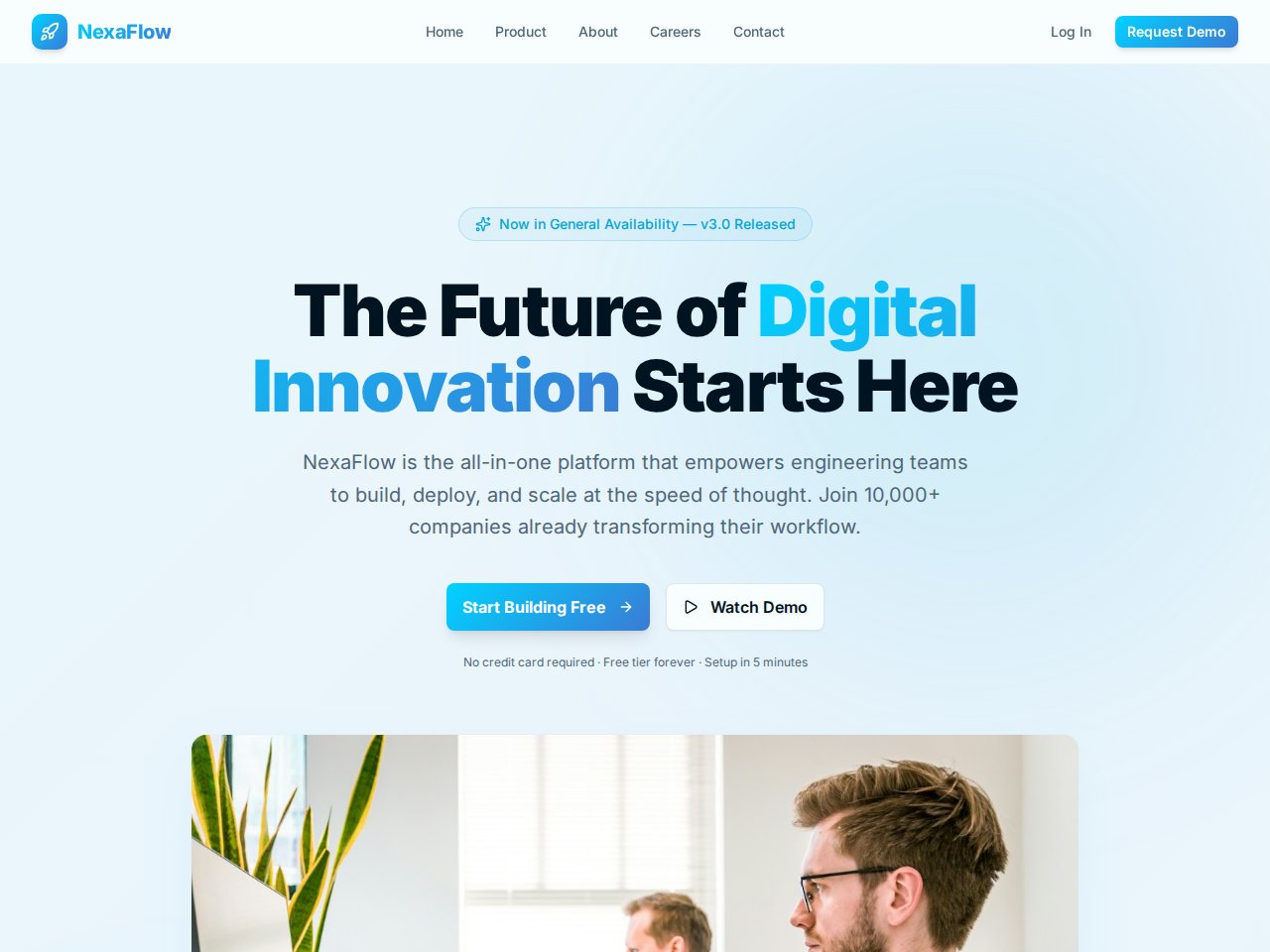
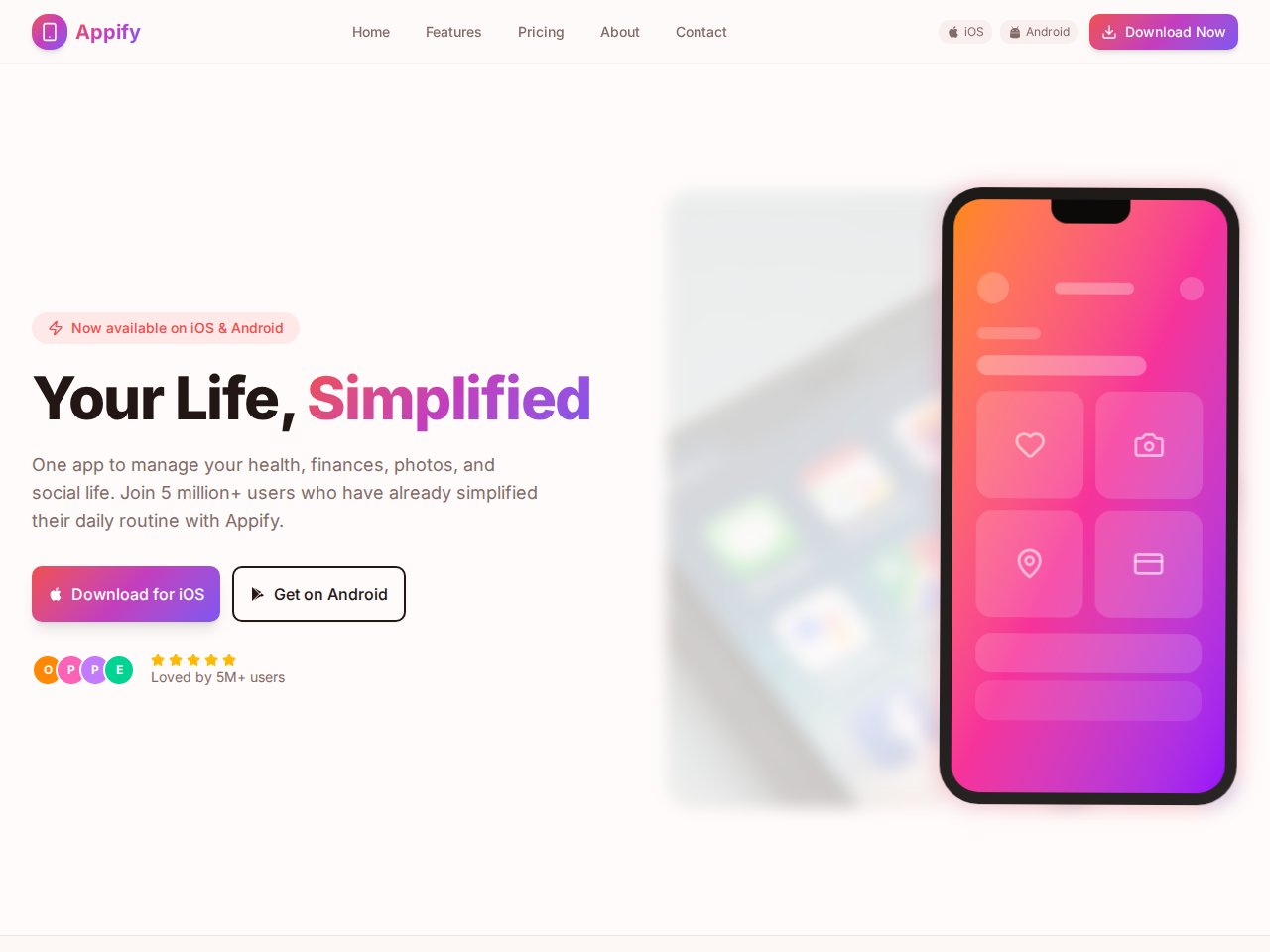
These are current, available static previews. Read each template’s included interfaces and setup notes before you remix it into your own project.
When you need the next step
Follow the product documentation.
Before you start.
Does Bubble support native mobile?
Yes. Its official documentation describes native iOS and Android apps using React Native. Cocoding’s comparison focuses on additional framework choices, desktop scope and the source-handoff model.
Can I export a Bubble app as independent application code?
Bubble’s official ownership guide says it does not export application code that runs independently of its platform. Exporting data is a different capability. Cocoding documents source download and GitHub handoff subject to plan and project-state conditions.
Find your next step.
Start with one useful task