
Guide for marketers
Give one campaign one clear destination.
Work from the ad’s promise to a page you can test, including the step after a visitor clicks.
01 — Match the page to the campaign
For a workshop campaign, write down the audience, the promise made by the ad and the action the page should support. A beginner may need the date, location and what to bring before sending an inquiry. A headline about advanced pottery would break the journey even if the page looks polished.
- Use one audience, one offer and one primary action.
- Gather approved dates, prices, images and instructor information.
- Write down what a useful inquiry contains and who will respond.
02 — Build the smallest useful page
Inspect a suitable template, then use the example prompt to request the offer, practical details, relevant proof and an inquiry section. Replace sample information before reviewing the page. Change one section at a time so you can see whether the result still matches the campaign.
- Keep the offer and action understandable without reading every section.
- Use your own evidence; remove invented testimonials and urgency.
- Check long text, image descriptions and buttons on a phone.
03 — Follow a test inquiry to its destination
Configure the lead destination using the services available to your project. Submit clearly labeled test information, then verify the saved record or delivered message outside the page. A confirmation message alone does not prove delivery. If the destination is unavailable, keep the page in review and fix the connection before sending traffic.
- Try empty fields, an invalid email and one valid test inquiry.
- Verify confirmation, failure and retry behavior.
- Confirm consent wording, expected follow-up and who can access submissions.
04 — Check the published campaign journey
Use your project’s current publishing controls, then open the public address as a visitor. Follow the real campaign link through to the destination. Choose a measurement such as verified inquiries and reconcile it with the actual lead records; a click or success screen is a different event.
- Check the headline, page title, link preview, domain and phone layout.
- Test campaign-link parameters and the analytics setup you selected.
- Keep a baseline and change one major message at a time.
- If inquiries do not arrive, check delivery before interpreting campaign performance.
A starting point
Make the brief specific.
Adapt this example to your business. Keep sample data separate from real customer information.
Create a landing page for a beginner ceramics workshop. Visitors arrive from an ad promising a small-group introduction. Include a factual headline, class dates and location, what is included, an instructor introduction and a short inquiry form. Use clearly marked sample content. On a phone keep the offer and primary action easy to find. Add demo validation, success and failure states; explain the setup required to deliver an inquiry. Do not invent reviews, limited availability or results.
Explore before you start
Real templates to inspect.
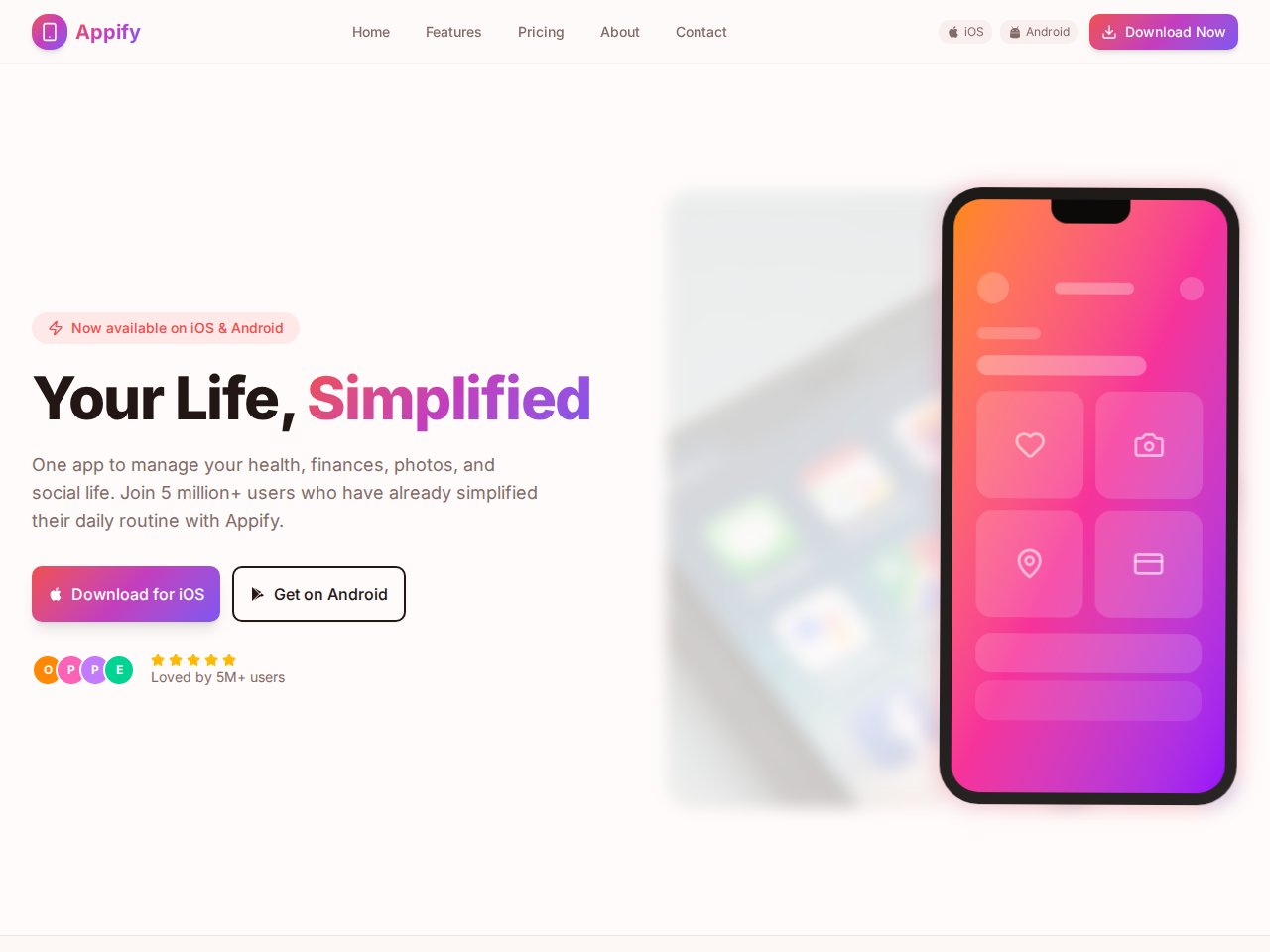
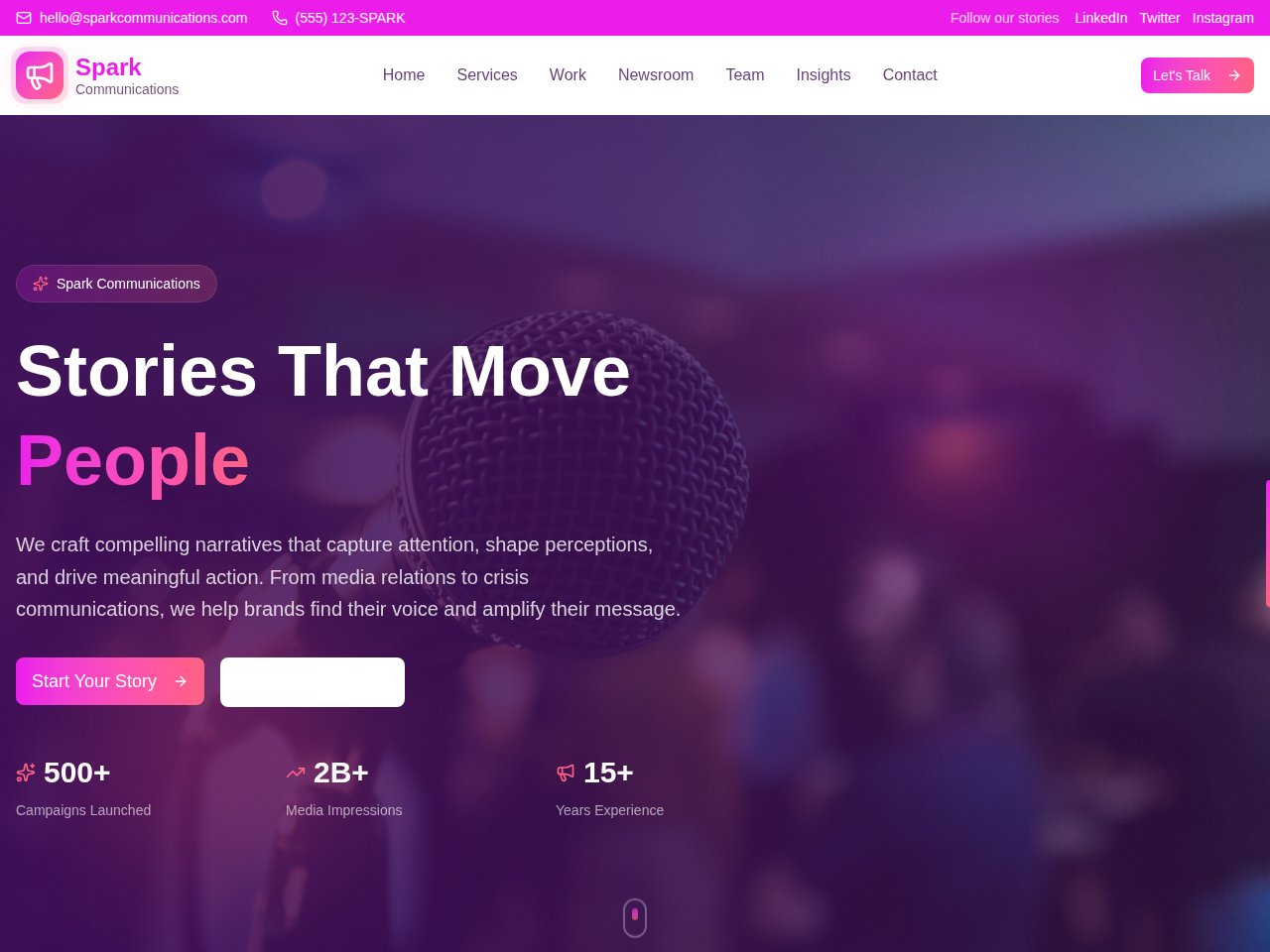
These are current, available static previews. Read each template’s included interfaces and setup notes before you remix it into your own project.
When you need the next step
Follow the product documentation.
Before you start.
Does the example prompt connect a working lead form?
It requests the interface and demo states. Configure the actual destination available to your project, then submit and retrieve a test inquiry before treating the form as operational.
Should I put several campaigns on one page?
Start with the audience and promise shared by the incoming traffic. If campaigns make materially different offers, separate destinations may be easier to explain and measure. Avoid publishing near-identical pages with only a keyword changed.
Find your next step.
Start with one useful task