
A website-building guide
From a business brief to a website you can review.
Start with your visitor’s next step. Use a real template or a focused prompt, then check the content and behavior that make the site useful.
01 — Write the offer before the prompt
Describe your business, audience and primary action in a few sentences. Gather approved images, service details and contact information. A marketer may also include the campaign source and the message visitors have already seen.
- Choose an inquiry, product explanation or other specific goal.
- List the pages needed for that goal.
- Keep unsupported claims and invented testimonials out of the brief.
02 — Choose a structure you can adapt
Open the current template catalog. Inspect a relevant preview and read its included interfaces and business-use terms. Choose a structure that fits your content, or describe the pages in a new prompt. Sign in when you are ready to create your own project.
- Look at the navigation and page sections.
- Check the template on a phone.
- Read the note about sample data and connected services.
03 — Replace the sample content
Change the business name, offer, images and contact details. Ask for one focused copy or layout change at a time. Review real text lengths, image descriptions and page headings. Remove sample testimonials rather than presenting them as customer results.
- Check all contact details and links.
- Write clear page titles and descriptions.
- Use images you have permission to publish.
04 — Test the main action
If the site should collect an inquiry, configure and test the destination. Confirm the message or saved record actually arrives. Review required fields, validation, success and failure states, and appropriate consent information. A demo form may only change the screen.
- Submit a valid test with sample information.
- Try missing or invalid information.
- Check keyboard navigation and the phone layout.
05 — Review the launch setup
Use the current preview, sharing and publishing documentation for your project. Confirm available runtime and publishing services, domain configuration, plan limits and external-service charges. Recheck public links, metadata and sample content before sending real visitors.
- Verify the finished visitor journey after publishing.
- Check your intended analytics and conversion measurement.
- Keep a short list of follow-up improvements based on real feedback.
A starting point
Make the brief specific.
Adapt this example to your business. Keep sample data separate from real customer information.
Create a website for an independent yoga instructor. Include classes, instructor information and an inquiry page. Use clearly marked sample class times and contact details. Make the text readable on a phone. The inquiry form should be a demonstration until I connect and test a destination.
Explore before you start
Real templates to inspect.
These are current, available static previews. Read each template’s included interfaces and setup notes before you remix it into your own project.
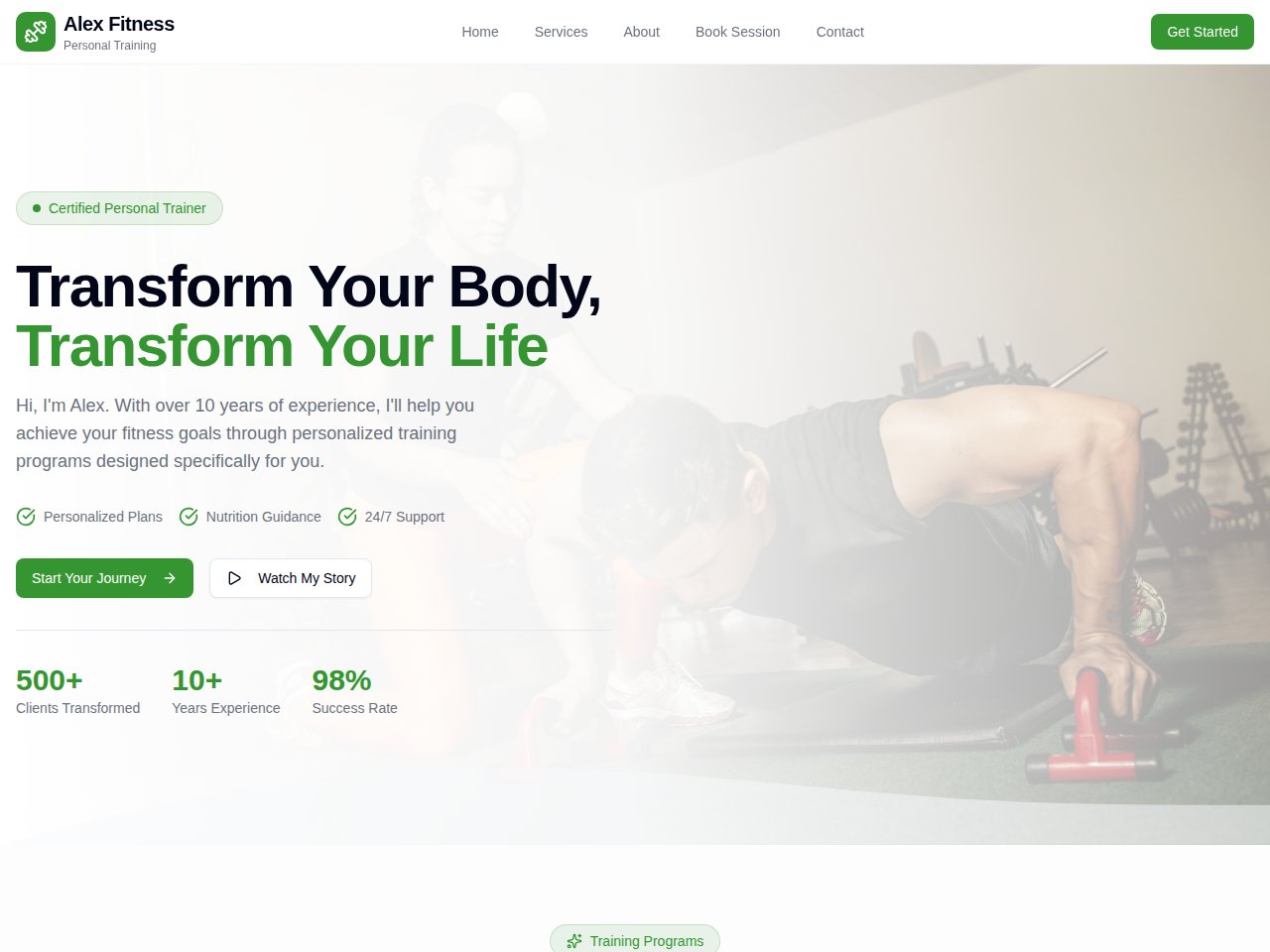
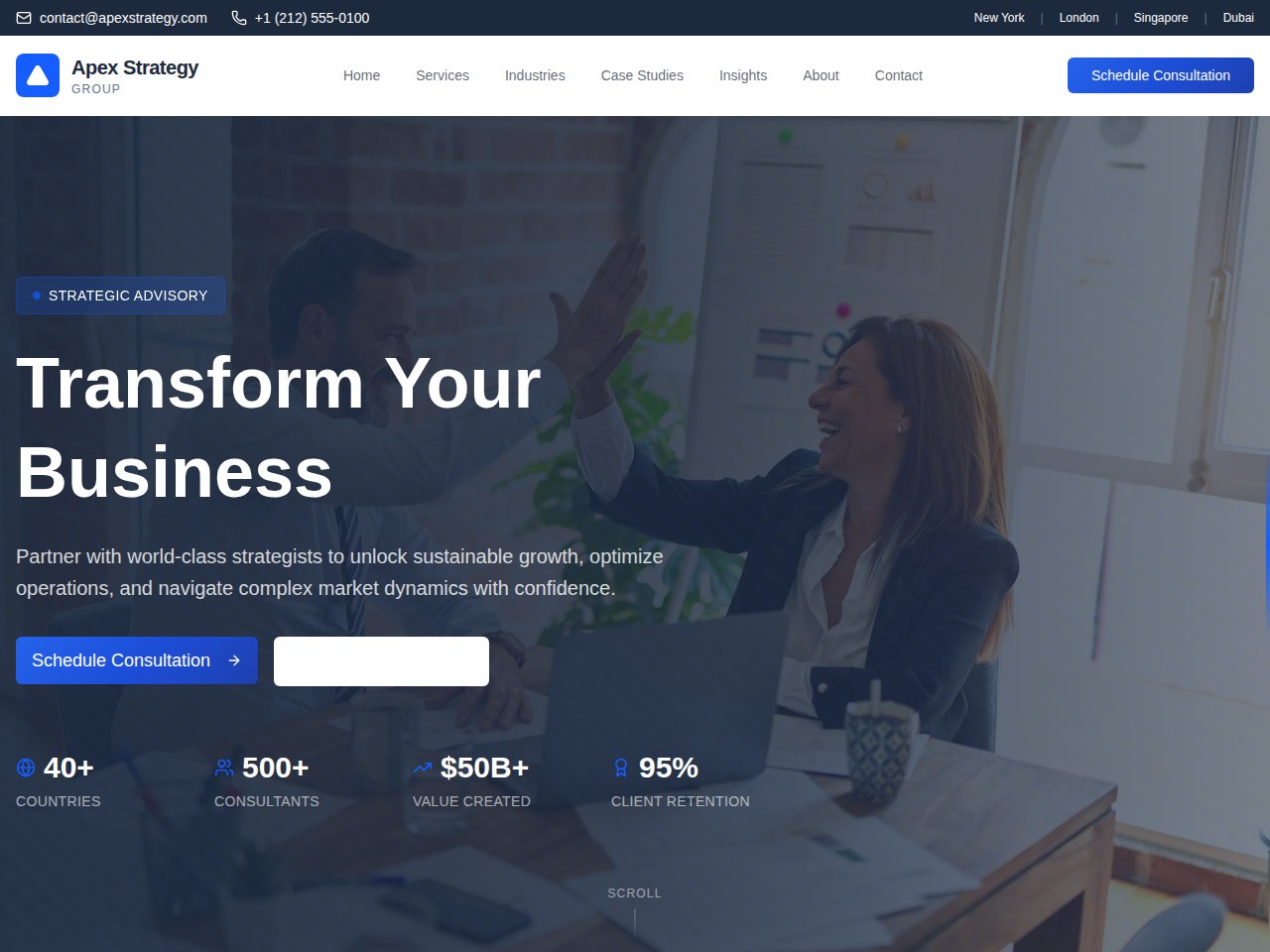
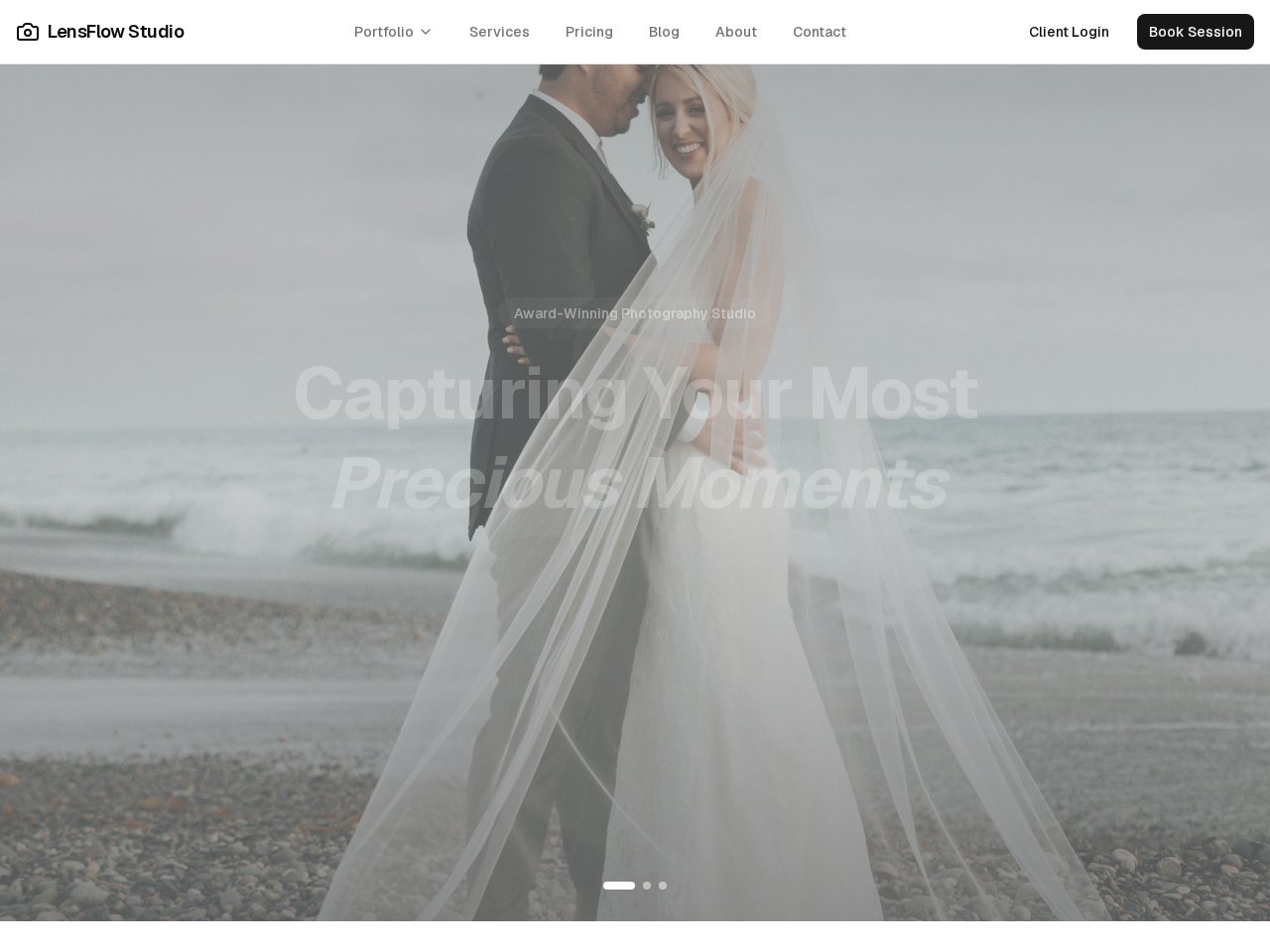
When you need the next step
Follow the product documentation.
Before you start.
Is a template preview the finished website?
No. It is a static example showing the design and sample content. Your independent project needs its own content, setup and testing before you use it for your business.
Will the website be ready for search engines?
Review the actual published HTML, page titles, descriptions, canonical URLs, crawl policy and sitemap supported by your site. Also check useful content and mobile performance. A template or tool cannot guarantee search visibility.
Find your next step.
Start with one useful task