
AI landing page builder
One campaign. One clear next step.
Turn your offer into a page visitors can understand. Start with a focused layout, refine the copy and check what happens after the click.
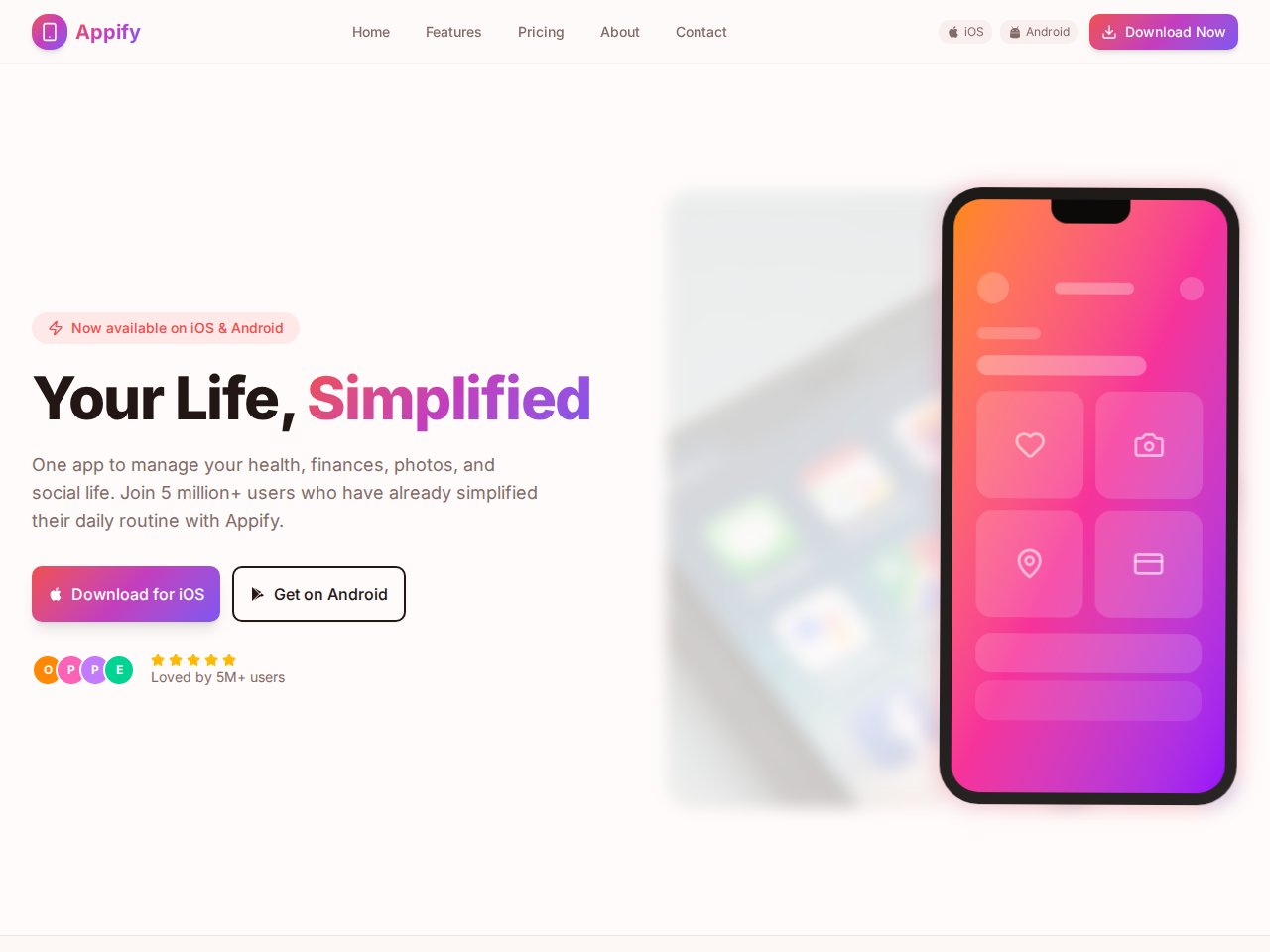
Match the page to the campaign
A product launch, event or service offer needs a page built around the promise that brought a visitor there. Describe that audience and the action you want them to take. Keep unrelated navigation and competing offers out of the first draft.
- Lead with the offer in plain language.
- Support it with real details, examples and approved proof.
- Use one clear primary action.
Review a real starting point
Inspect the available product and business website templates. Read the included-interface list, try the public preview and choose a structure you can adapt. A product-launch design is a starting point, not evidence that a waitlist or purchase flow is already connected.
- Check how the offer appears above the fold on a phone.
- Replace sample images and testimonial content.
- Ask for small copy and layout changes, then inspect each one.
Complete the journey after the click
Choose where a lead should go and test it with sample information. Confirm a real record or delivered message, not only an on-screen success state. Review validation, consent wording, analytics and failure recovery before paying for traffic.
- Test the empty, valid and failed submission paths.
- Verify the thank-you message and next action.
- Check plan limits, publishing options and connected-service charges.
A starting point
Make the brief specific.
Adapt this example to your business. Keep sample data separate from real customer information.
Create a landing page for the launch of a meal-planning app for busy parents. Include a short headline, three benefits, a product screenshot placeholder and a demo waitlist form. Use sample data only. Clearly state that email collection needs a connected destination before launch.
Explore before you start
Real templates to inspect.
These are current, available static previews. Read each template’s included interfaces and setup notes before you remix it into your own project.
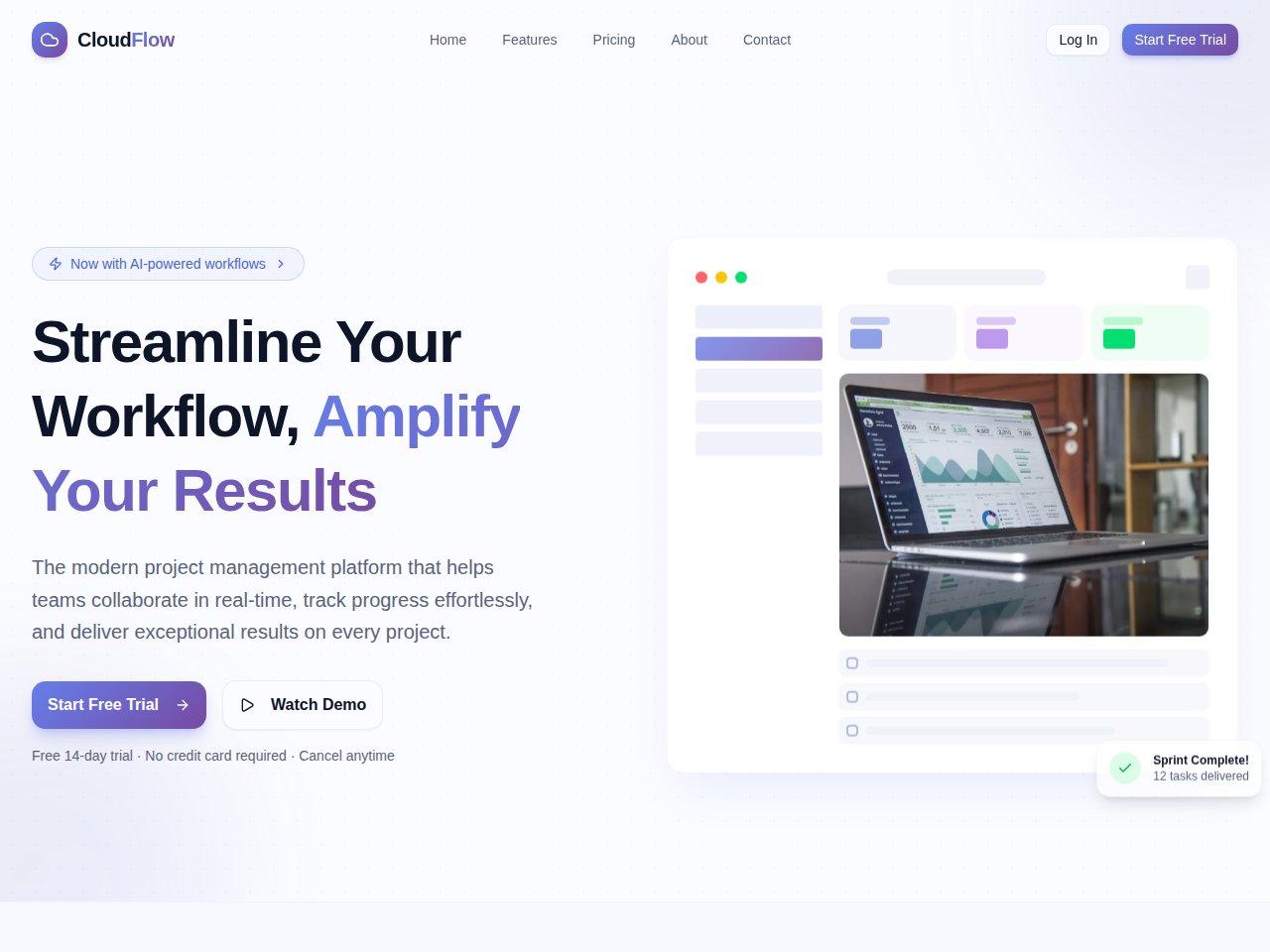
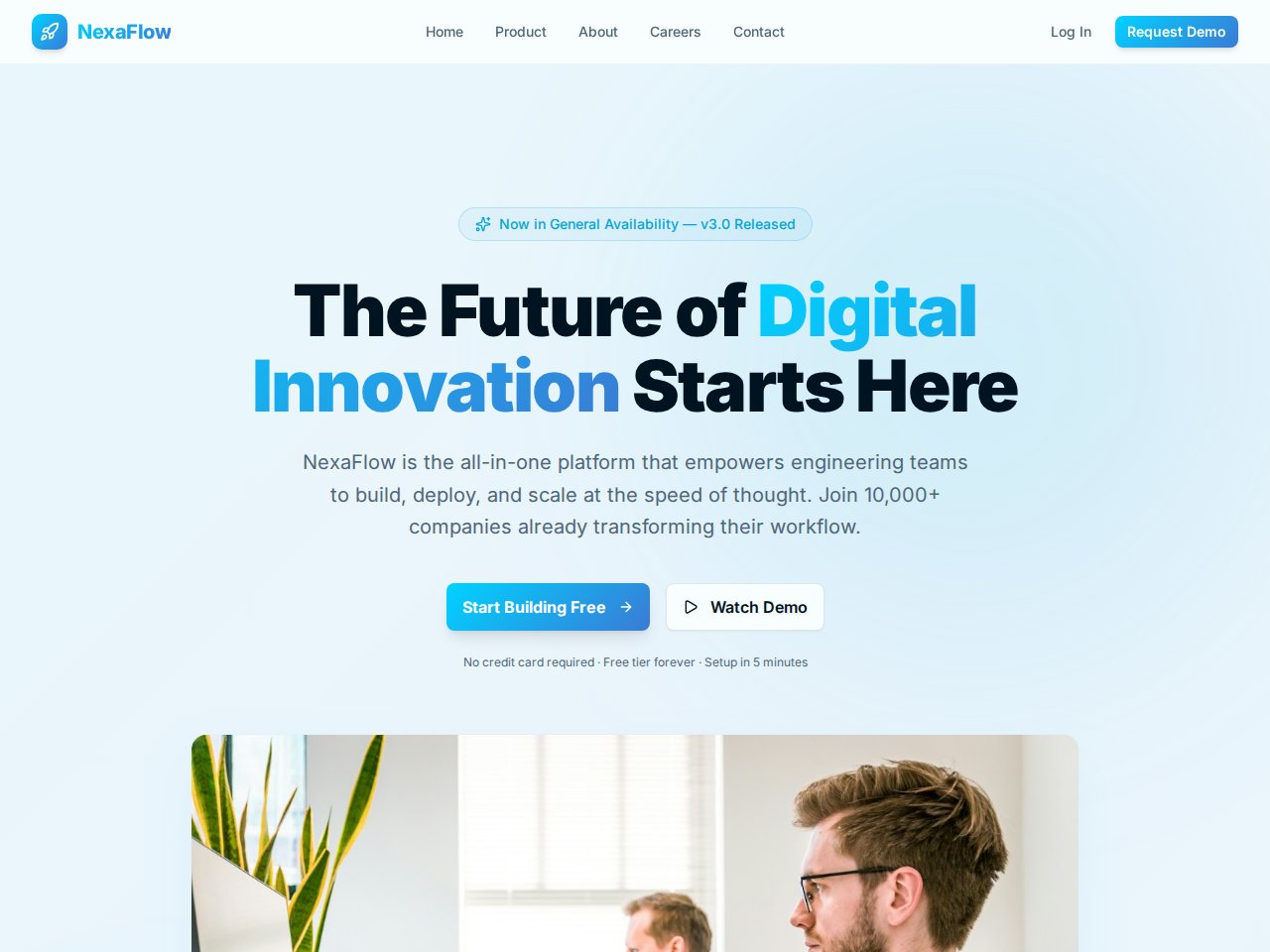
When you need the next step
Follow the product documentation.
Before you start.
Can I use this for a waitlist?
You can explore a waitlist-page design. Before collecting real email addresses, configure and test the destination, confirmation and appropriate consent information. A demo form alone does not collect a usable waitlist.
Can I bring an existing campaign brief?
Yes. Describe the audience, offer, source of traffic, main action and approved content. Include reference images through the supported context workflow where they help explain the design.
Does AI guarantee a higher conversion rate?
No. Conversion depends on the offer, audience, message, experience and follow-through. Test the finished journey and measure useful actions from real visitors.
Find your next step.
Start with one useful task