
AI website builder for marketers
Make the campaign brief tangible.
Shape a landing page around one audience and one action. Start with a template, describe the changes and review every step of the visitor’s journey.
Build around the offer
Give the page one job: explain a product, introduce an event or invite an inquiry. Describe who will arrive, what brought them there and what they need to know before acting.
- Match the headline to the campaign’s promise.
- Use real product information and approved images.
- Keep the main action easy to find on a phone.
Choose a starting point you can inspect
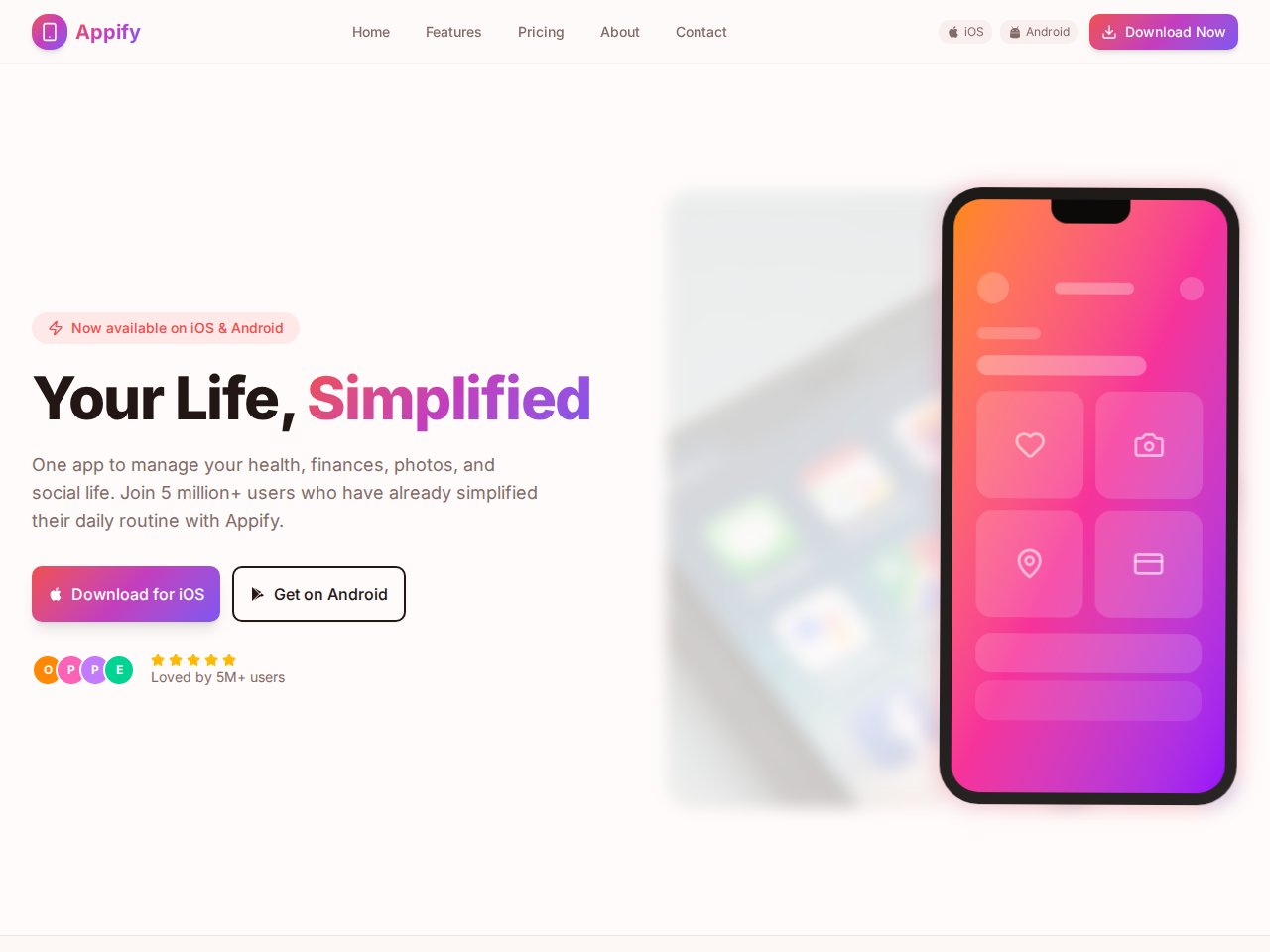
Browse the actual template preview and included interfaces. A product-launch page, portfolio or service website may be a useful starting point. The preview shows the design; connected forms, accounts and other business behavior need separate setup.
- Review the included sections before you remix.
- Ask for copy and layout changes in small steps.
- Check longer headlines and realistic content lengths.
Follow the lead all the way through
Before sending campaign traffic, submit a test inquiry and confirm where it arrives. Check required fields, confirmation and failure states, consent wording and the analytics setup you intend to use. A success message on screen is not proof that a lead was saved or delivered.
- Connect and test the intended lead destination.
- Test validation, keyboard use and mobile navigation.
- Confirm your project’s publishing options and any service costs.
A starting point
Make the brief specific.
Adapt this example to your business. Keep sample data separate from real customer information.
Create a campaign landing page for a local ceramics workshop. The audience is beginners choosing their first class. Include the offer, class details, an instructor introduction and a short inquiry form. Use sample content and a demo form state. Do not claim that inquiries are delivered until a destination is connected.
Explore before you start
Real templates to inspect.
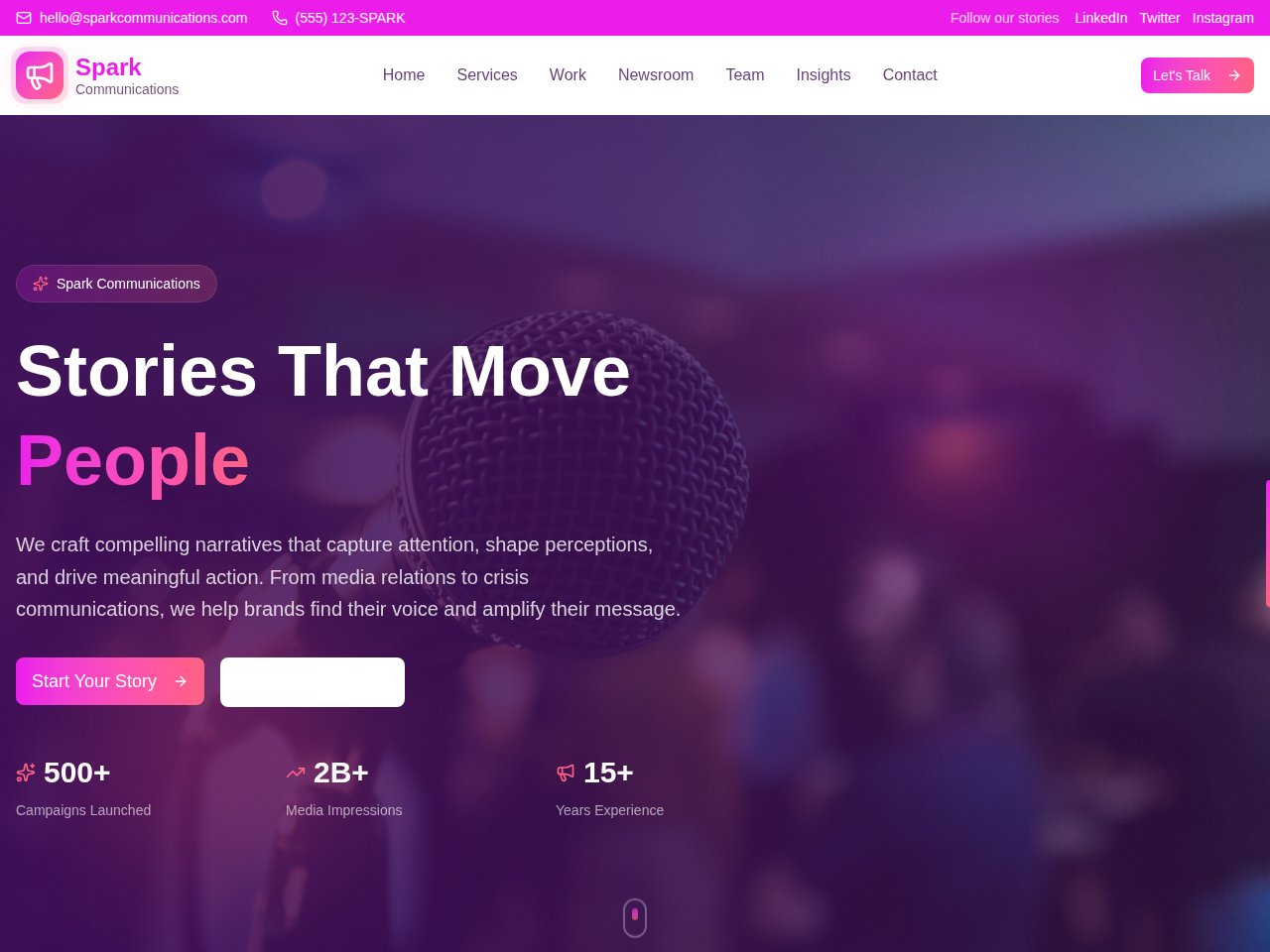
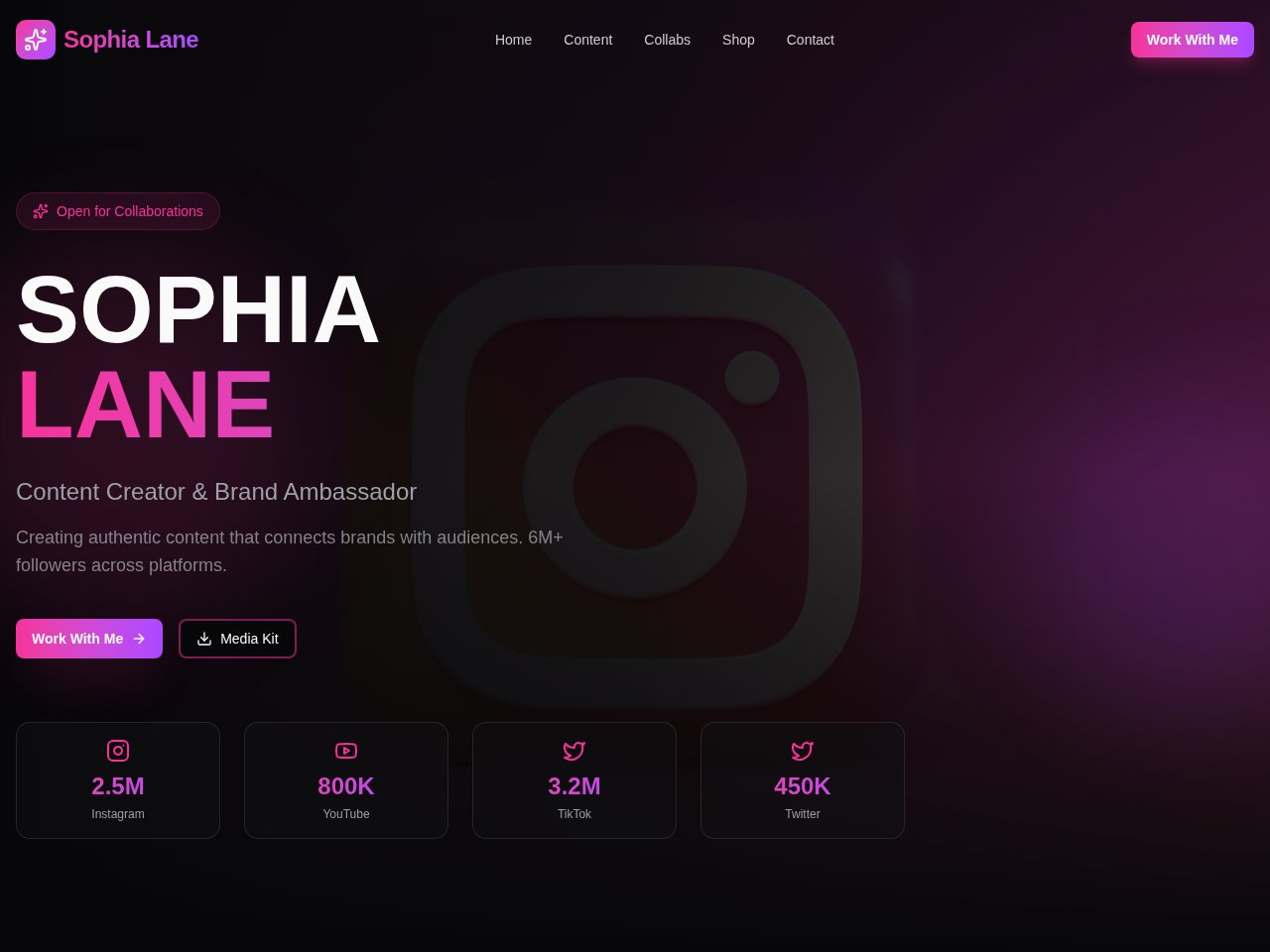
These are current, available static previews. Read each template’s included interfaces and setup notes before you remix it into your own project.
When you need the next step
Follow the product documentation.
Before you start.
Can I start with my campaign copy and images?
Describe the offer and audience in your prompt, and use the supported image and context workflow for references. Use material you have permission to publish and remove private information from attachments.
Does a template include working lead collection?
The public preview uses sample content. Confirm the template’s included interfaces, then connect and test the services required to store or deliver real inquiries.
Will a new page automatically rank or convert?
No tool can guarantee that. Review the message, mobile experience, crawlable content and actual visitor journey. Measure useful inquiries and successful actions after launch.
Find your next step.
Start with one useful task